
DashboardHR and people operations dashboard
Staffroom
NewHR dashboard with a people directory, a pan-and-zoom org chart, time off with balances and approvals, a recruiting board, onboarding checklists, performance cycles, a payroll summary and people analytics.
More screenshots
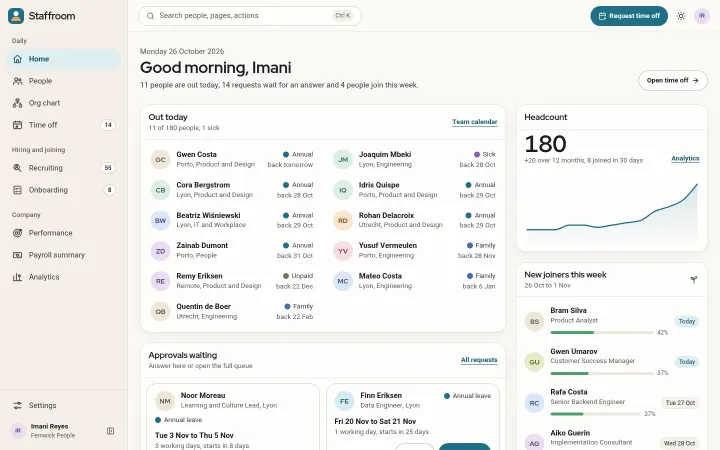
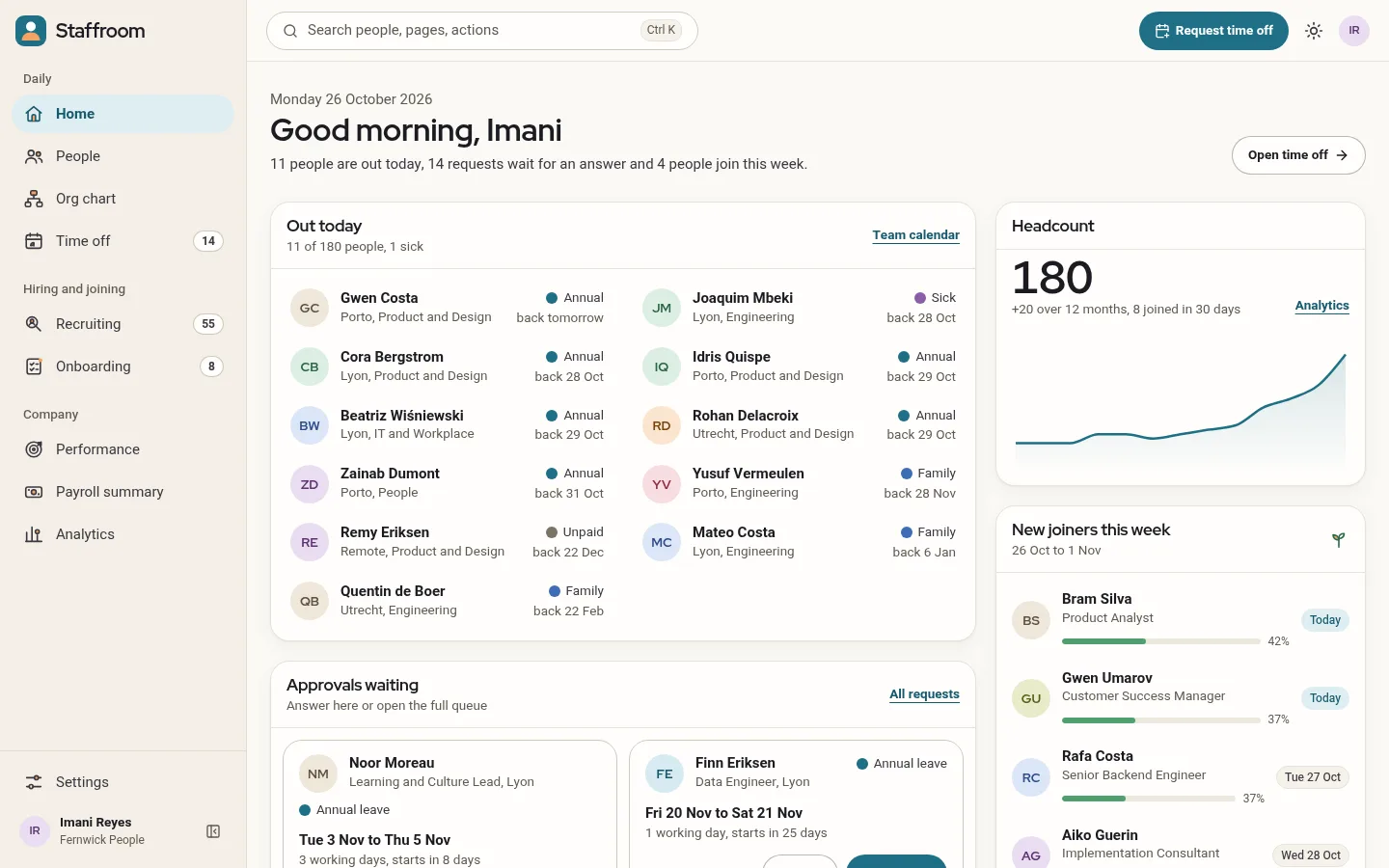
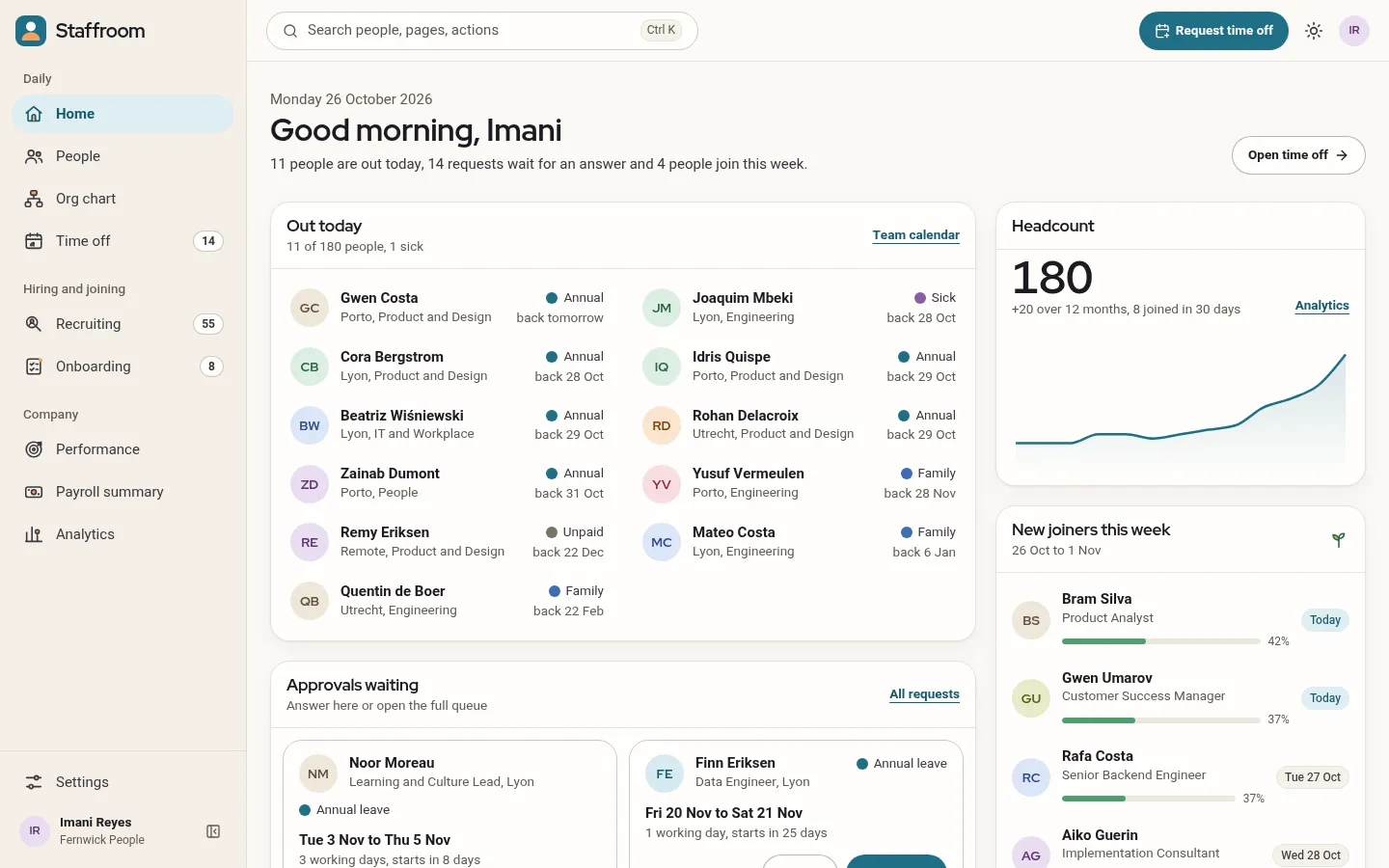
Home: out today, approvals, attention list and headcount 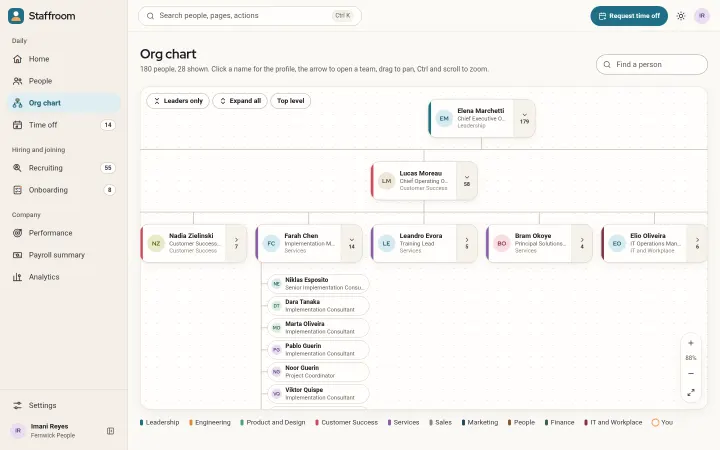
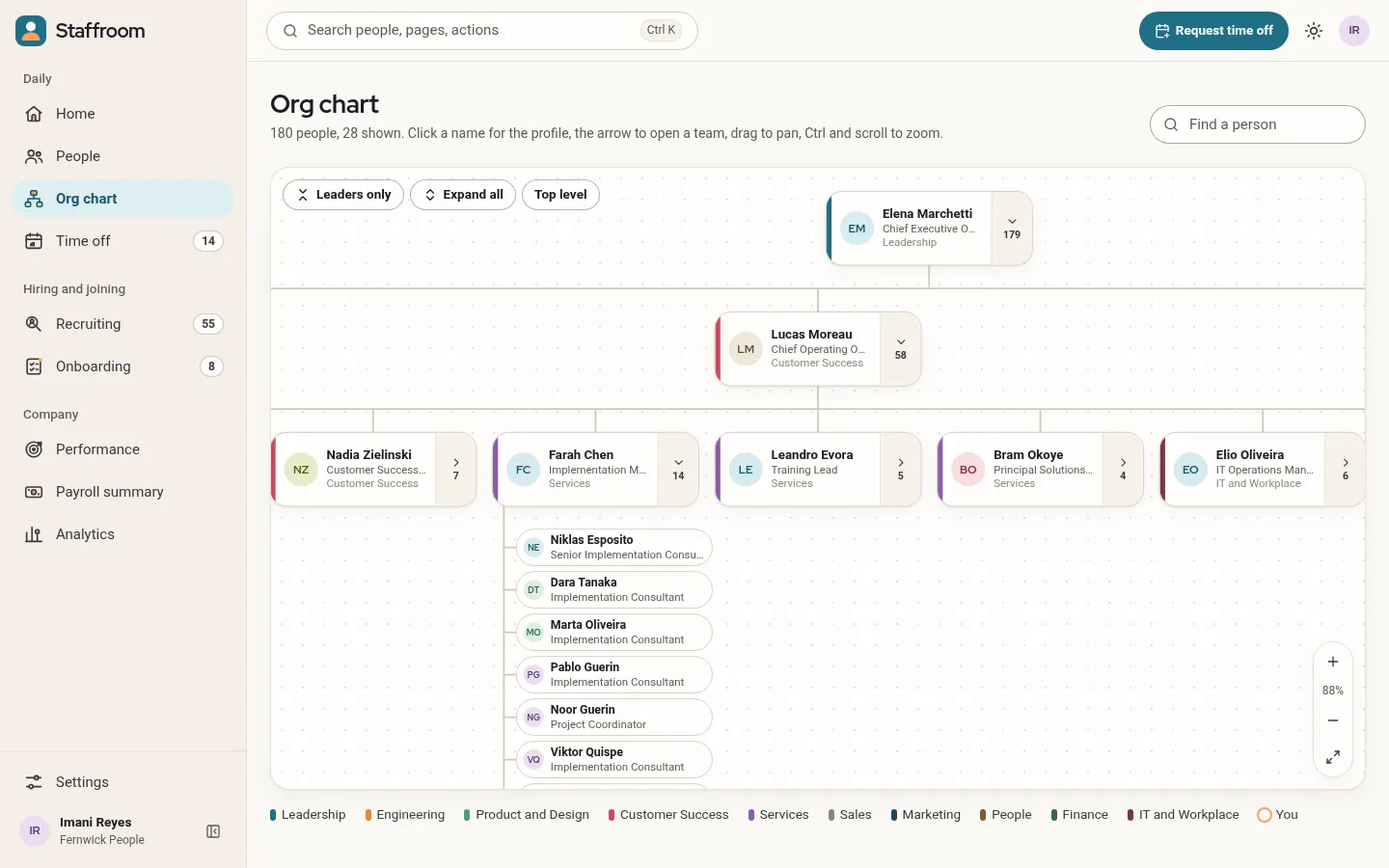
Org chart: open a branch down to its teams, pan, zoom and search 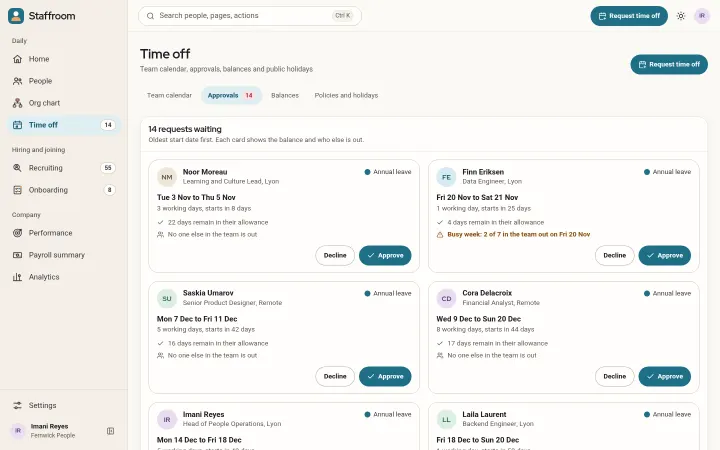
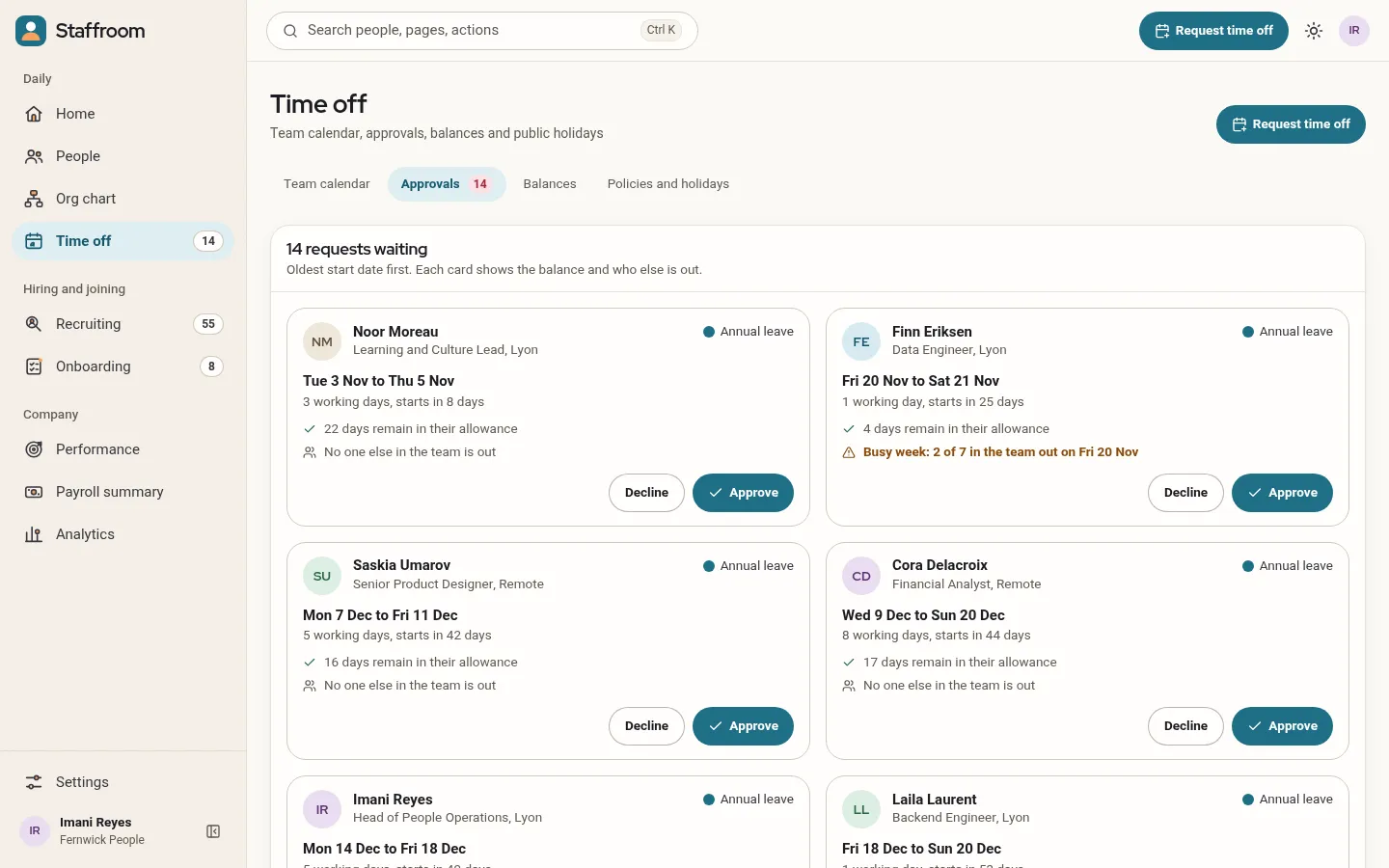
Time-off approvals with balance and team overlap 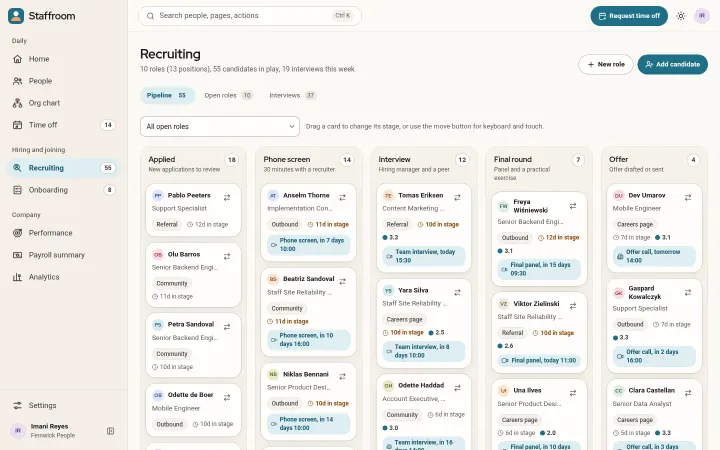
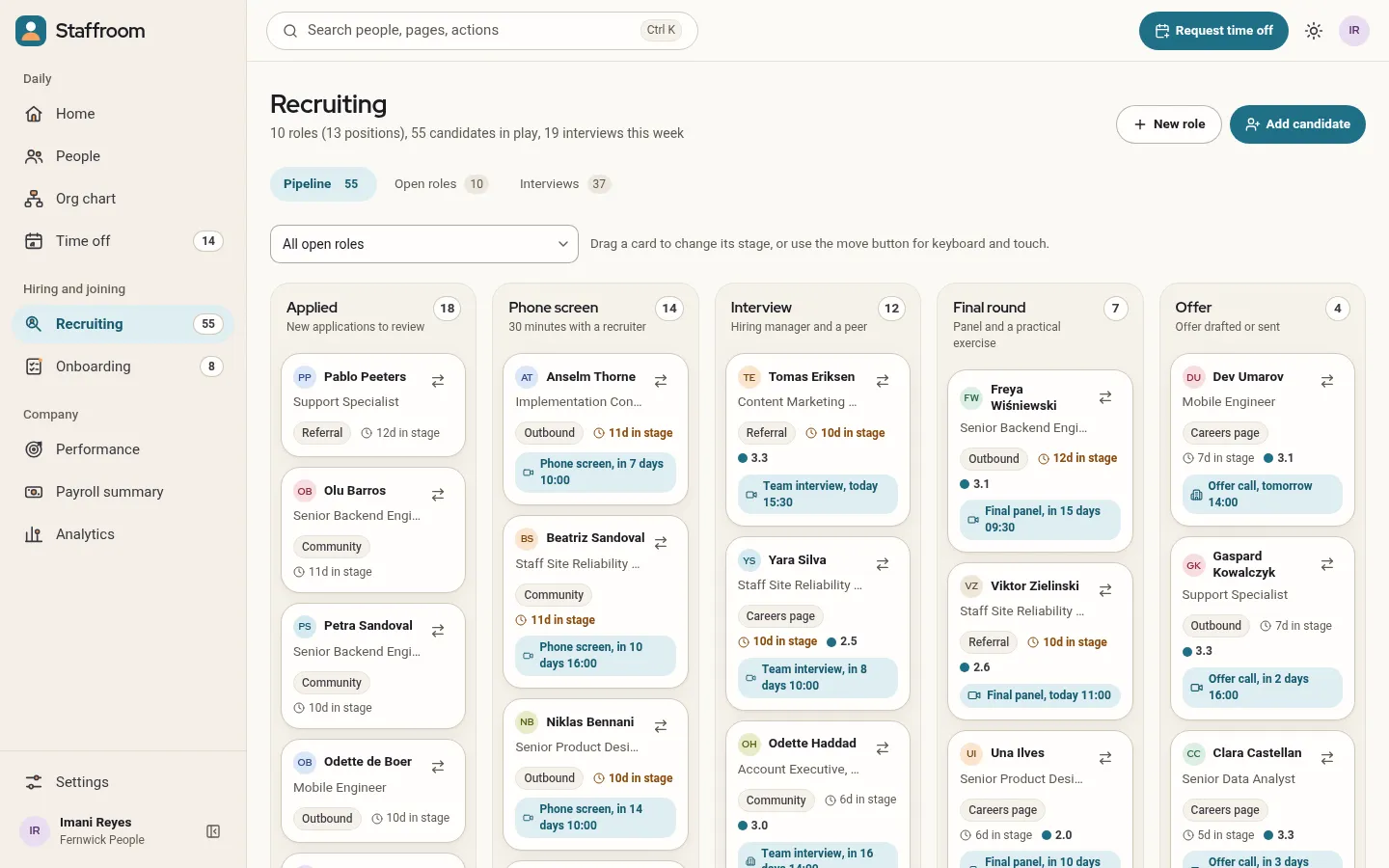
Recruiting pipeline from Applied to Offer
About Staffroom
The people operations side of a fictional software company, Fernwick, with 180 employees in 25 teams across Lyon, Porto, Utrecht and remote, frozen on Monday 26 October 2026. A directory with table and card views and a profile per person; an org chart to pan, zoom, collapse and search; time off with a team calendar, approvals that show the balance and who else is away, annual leave balances in working days and public holidays per office; a recruiting pipeline dragged from Applied to Offer with scorecards; onboarding checklists by owner; review cycles, OKRs and one-to-ones; a payroll run summary with checks before approval; and analytics on headcount, attrition, time to hire and tenure. React 19, TypeScript and Tailwind CSS 4, light and dark, 4 palettes.
Best for HR and people teams, founders of growing companies, HR consultants and the developers building HRIS, leave management or applicant tracking software.
Features
Home
Who is out today and who is back soon, time-off approvals answered in place, a list of things that need attention, headcount over the year, new joiners this week, and birthdays and anniversaries in the next two weeks.
People and profiles
180 employees with search, filters by team, office and status, sorting, a table or card view and pagination. Each profile has an overview with the reporting line and direct reports, compensation with the position in the salary band, time off, documents, reviews and equipment.
Org chart
The whole company as a tree from the CEO down: pan by dragging, zoom with Ctrl and scroll or the buttons, fit to the window, collapse to leaders or expand everything, find a person and jump to them. Cards carry a department colour and open the profile in a drawer; it also works from the keyboard.
Time off
Six absence types, a team calendar by month, an approvals queue, annual leave balances and the policy of each office. Days are counted as working days, so weekends and the office's own public holidays are skipped, and the allowance is prorated for people who joined this year, with carry-over.
Approvals with context
Each request shows the person's remaining balance and which teammates are away on the same dates, and warns when the team gets thin: a quarter of the team or four people out on one day. Approve with Undo, or decline with a reply.
Recruiting
Ten open roles and 67 candidates on a board from Applied to Phone screen, Interview, Final round and Offer: drag a card or use its Move to menu. Scorecards per competency with a recommendation, rejection with a reason, new roles, new candidates and an interview schedule.
Onboarding and performance
A checklist of 19 tasks per new hire, owned by HR, IT, the manager or the new hire, with due dates and an overdue filter. An open review cycle with completion by department, mid-year results in aggregate, company and team OKRs, and one-to-ones with agendas and notes.
Payroll and analytics
The October run: cost by department, total cost over seven months, changes since the last run and checks that block approval until bank details are in. Analytics: headcount, joiners and leavers, attrition by department, time to hire, tenure, eNPS and gender in aggregate, groups under 10 people hidden.
4 palettes + dark mode
Teal, Plum, Clay and Pine, in light (the default), dark or system mode, with status colours that keep their meaning in every palette. Drawn SVG icons and illustrations, initials avatars, no photos and no emoji.
What's included
- Home
- People directory
- Employee profile
- Org chart
- Time off (calendar, approvals, balances, policies)
- Recruiting (pipeline, open roles, interviews)
- Onboarding
- Performance (review cycles, goals, one-to-ones)
- Payroll summary
- People analytics
- Settings
- Marketing landing page
- Sign-in page
- 404 page
Tech stack and fit
Built with
- React 19
- TypeScript
- Vite 7
- Tailwind CSS 4
- Recharts 3
- React Router 7
Who it's for
HR and people teams, founders of growing companies, HR consultants and the developers building HRIS, leave management or applicant tracking software.
Tags
Staffroom FAQ
Is there a backend?
No. Employees, teams, leavers, absences, candidates and onboarding plans are generated from fixed seeds in src/data around a frozen clock (Monday 26 October 2026, 9:40) in src/data/clock.ts, so every figure agrees across pages. The editable state lives in HrContext (src/context/HrContext.tsx): replace its initial data with your API and put your calls in actions such as requestTimeOff, decide, moveCandidate, addScorecard and toggleTask. The README suggests the endpoints.
How are time-off days and balances counted?
In working days: lib/workdays.ts skips weekends and the public holidays of the person's office (Lyon, Porto, Utrecht or remote). lib/balance.ts gives the allowance from the office policy, prorated for people who joined this year, plus days carried over from last year, then subtracts taken, planned and waiting days. Allowances, carry-over and notice are edited per office in Settings.
Does it warn when too many people on a team are away?
Yes. lib/conflicts.ts lists the teammates whose approved or pending absences overlap the request and flags the team as thin when a quarter of it, or four people, would be out on the same working day. The approval card and the request dialog both show it.
How does the recruiting board work?
Five stages, Applied, Phone screen, Interview, Final round and Offer. Drag a candidate to another column or use the Move to menu on the card, with Undo. The candidate drawer holds scorecards rated per competency with a recommendation, the interviews and a reject action with a reason; you can also add roles and candidates.
Are the payroll and diversity figures real?
No. Salaries, payroll costs and eNPS are generated demo data, labelled as such in the app. Payroll figures come from src/lib/payroll.ts, where you connect your payroll export, and approving a run only sets a flag in the browser. Diversity is shown only in aggregate by department, with groups under 10 people hidden. Gate the compensation and payroll routes by role in a real product.
Is there a dark mode?
Yes. Light (the default), dark or system, plus four accent palettes (Teal, Plum, Clay, Pine) remembered in the browser. Buttons, links and active states take the accent; status colours and absence types stay the same in every palette.
How much does Staffroom cost, and are updates included?
$39 USD, a one-time purchase on Gumroad with instant download. There is no subscription and every future update of Staffroom is free.
Can I use Staffroom for a client project?
Yes. The license covers personal and commercial projects, including client work. Reselling or redistributing the template itself is not allowed.
Related templates
Close in purpose or features to Staffroom. Browse all 51 templates.
Agency project management dashboard$39
StudioDeskNew
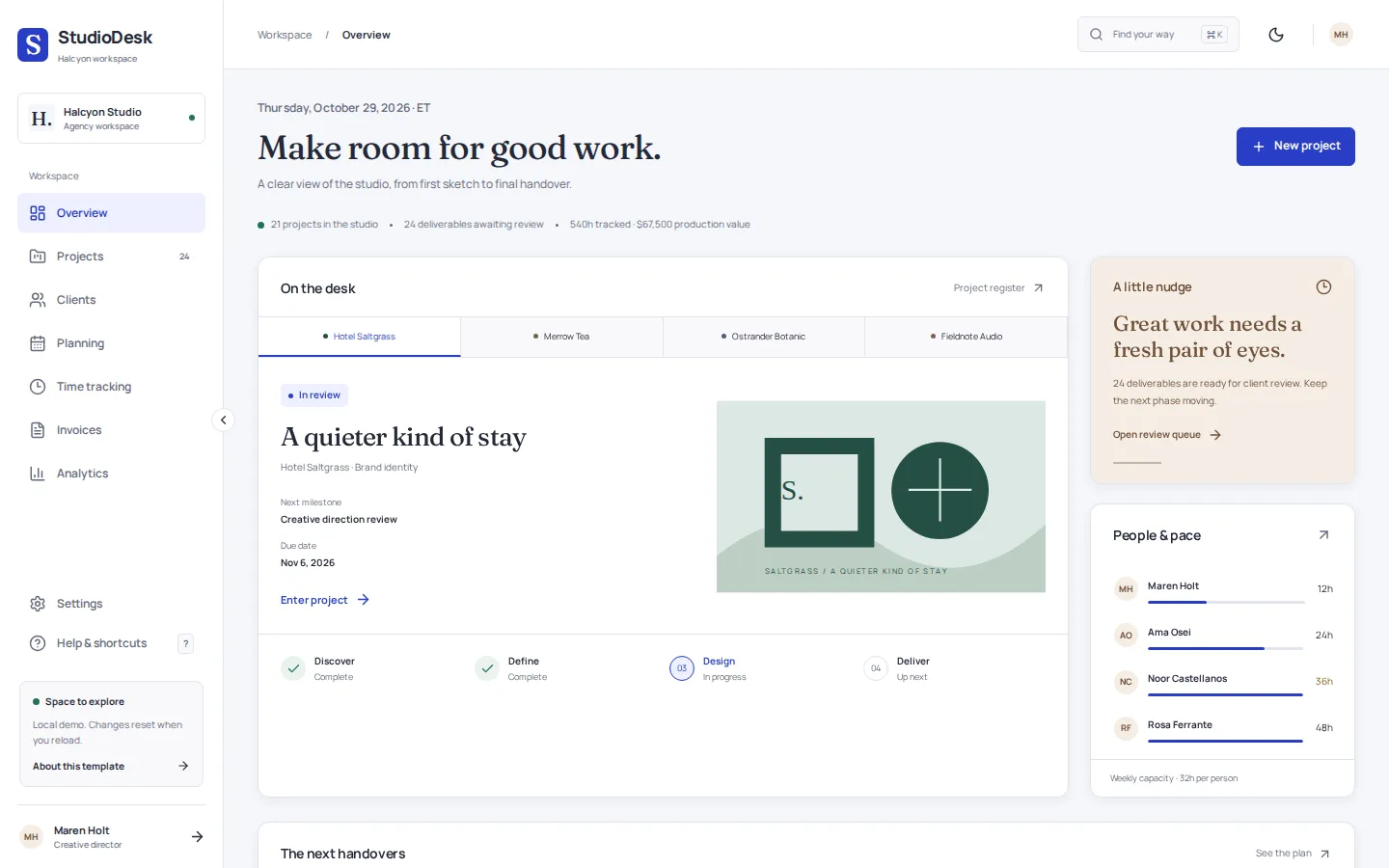
Agency workspace with project boards, deliverable reviews, resource planning and demo invoicing.
Staffroom, $39 once. Click through the whole demo before you decide.