
WebsiteTech conference website Coming soon
Signal
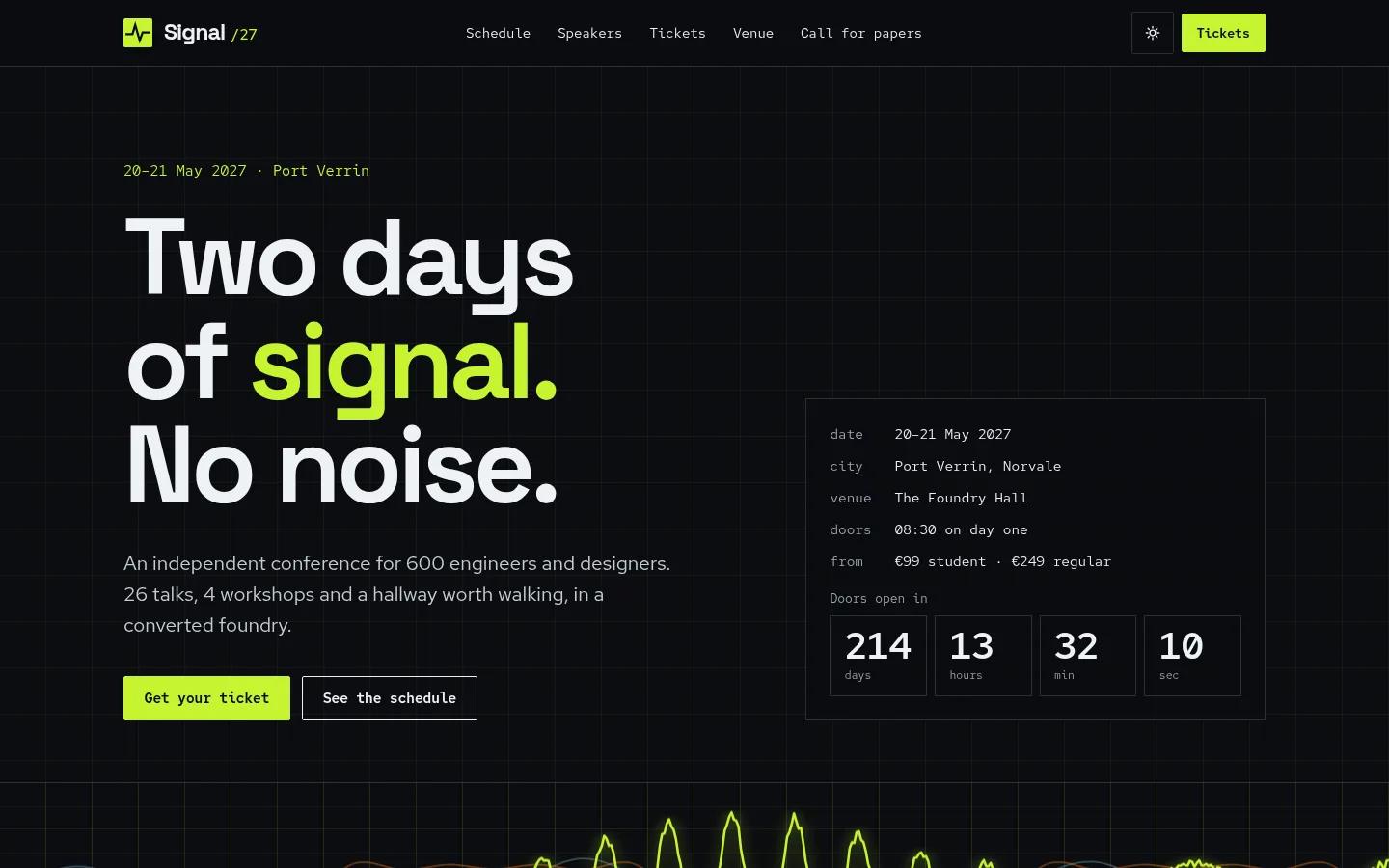
Tech conference website with a two-day multi-track schedule, starred sessions, My schedule and .ics export.
More screenshots
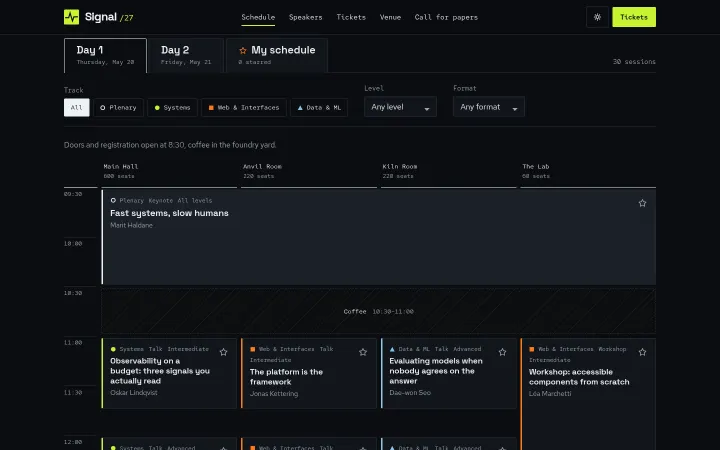
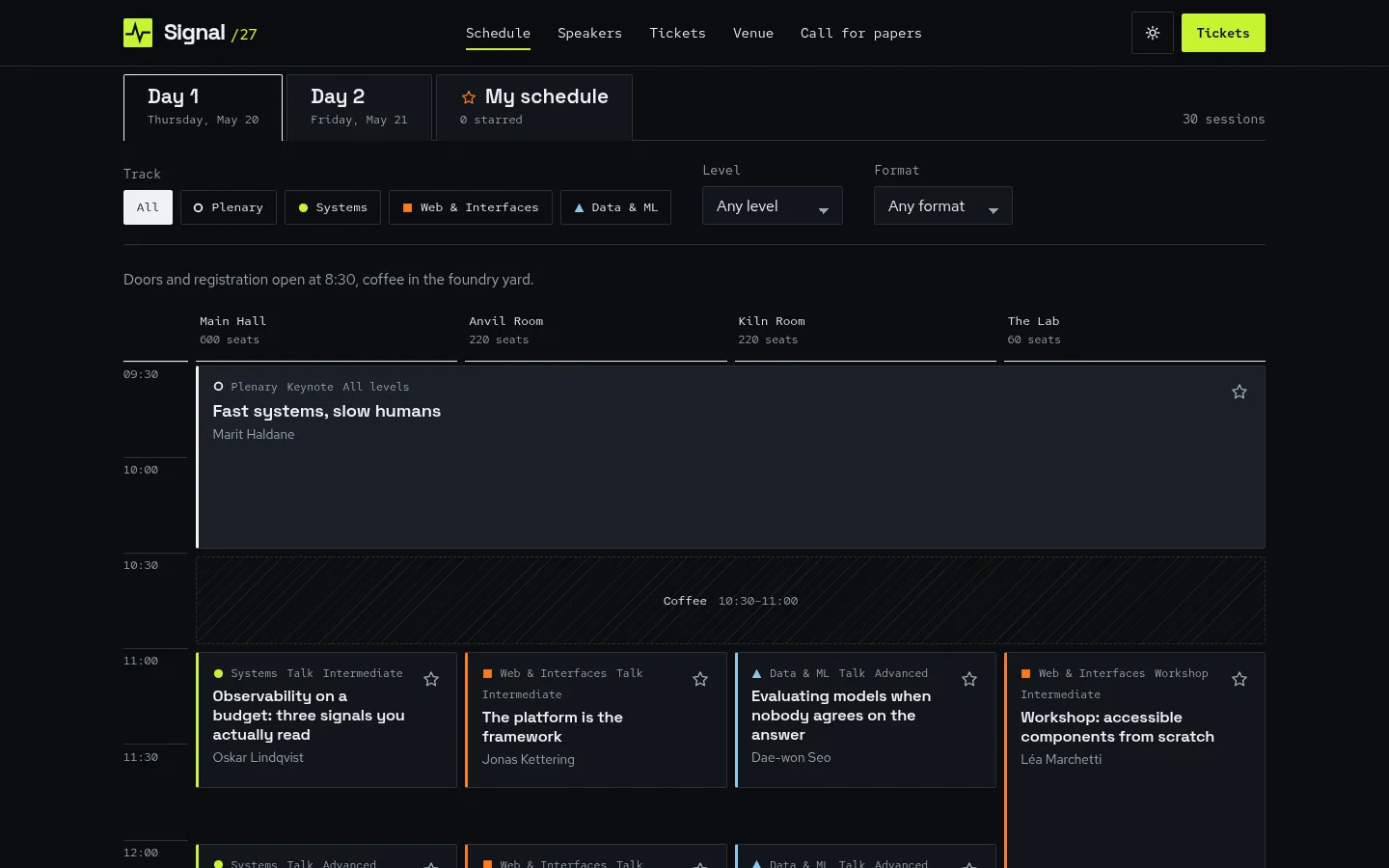
Two-day schedule with tracks as columns 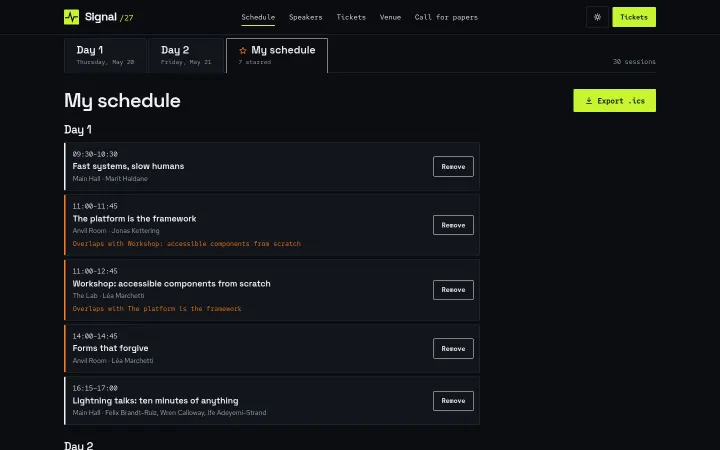
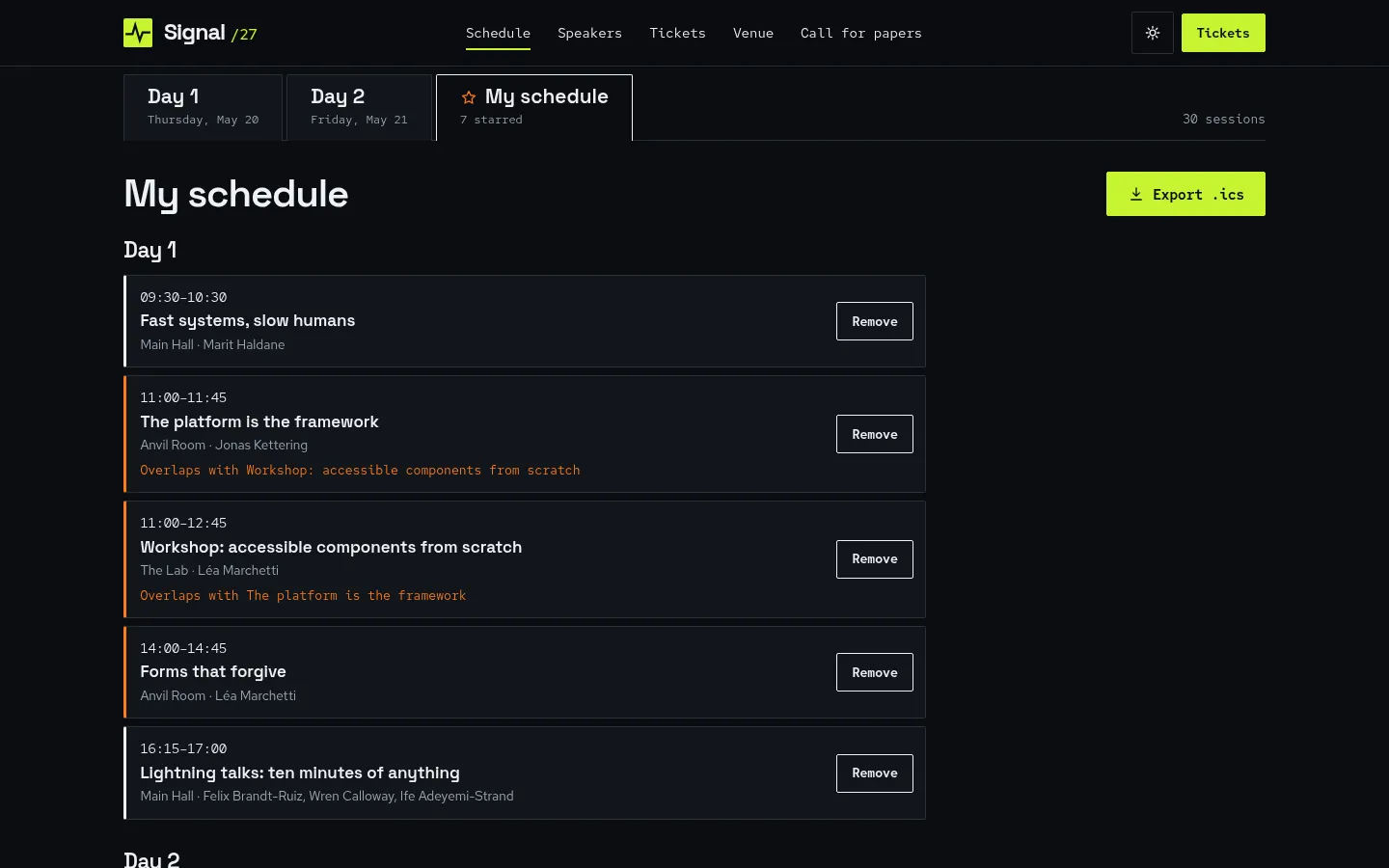
My schedule with starred sessions and overlap flags 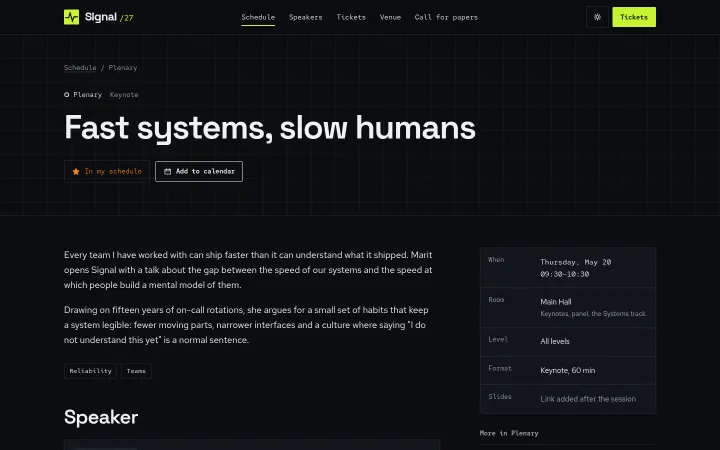
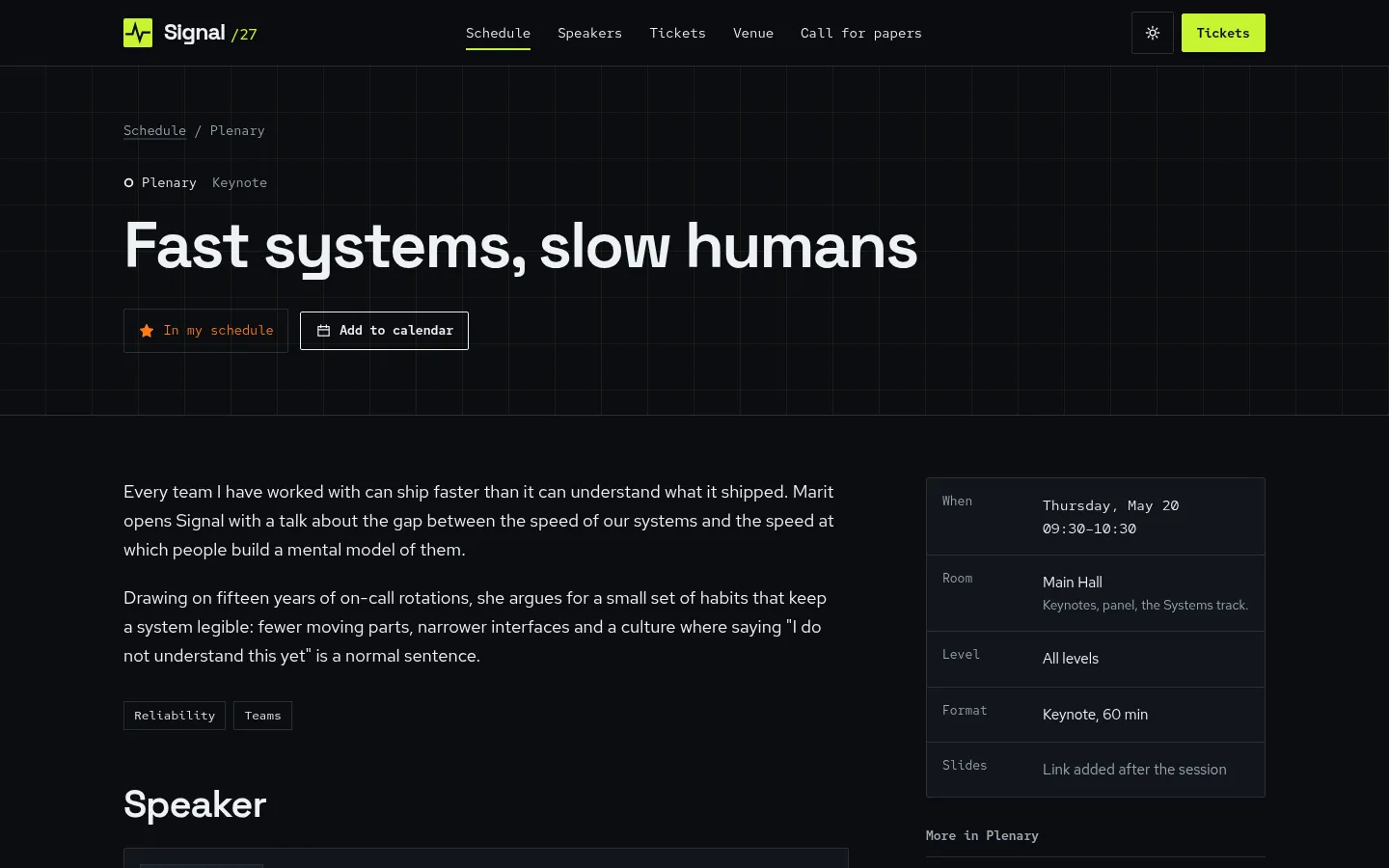
Session page with Add to calendar 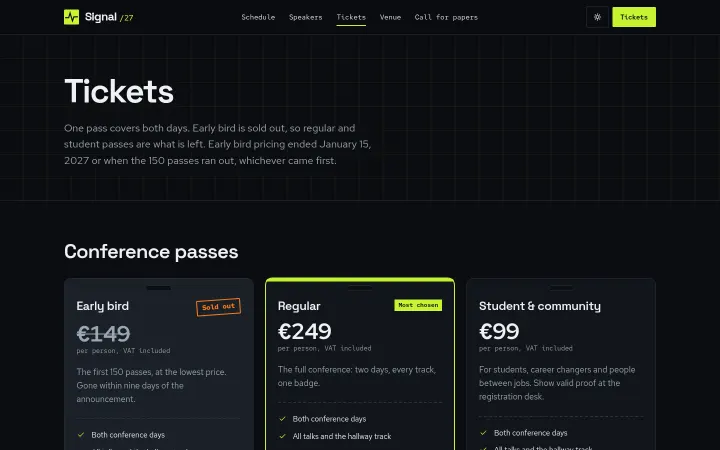
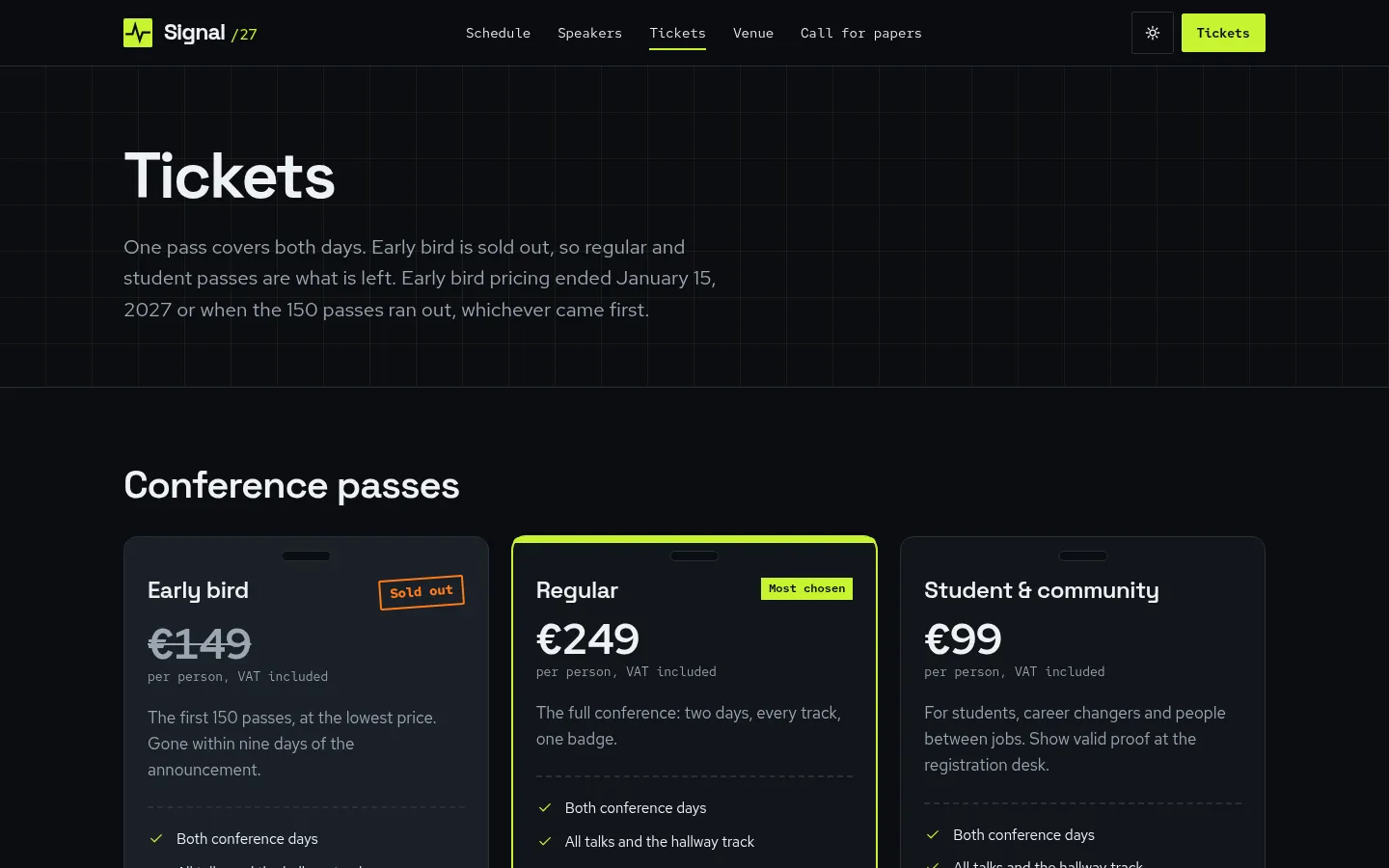
Ticket tiers with a sold-out state
About Signal
A website for a two-day, single-city tech conference: an interactive schedule with day tabs, parallel tracks as columns on desktop and a stacked list on mobile, track filters, starred sessions saved in the browser, a My schedule view that flags overlaps and an .ics export, 30 session pages and 14 speaker pages, ticket tiers with a sold-out state, venue and travel, call for papers, code of conduct and sponsor packages. Dark by default with a designed light mode. Astro and Tailwind CSS 4.
Best for tech conferences, meetups, summits and community events, and the agencies and organisers that build their sites.
Features
Multi-track schedule
Day tabs, one column per room on desktop placed on a 15-minute grid, a stacked list on mobile, and filters by track; rendered as HTML so it works without JavaScript.
Stars and My schedule
Star any session; the choice is saved in the browser, and My schedule lists the starred sessions in time order and flags overlaps.
Calendar export
Export My schedule as an .ics file built in the browser, with times converted from the venue's UTC offset; each session page has its own Add to calendar.
Sessions and speakers
30 session pages with track, room, level, format and abstract, and 14 speaker pages with generated waveform avatars, so no photos are needed.
Tickets
Five tiers with a comparison, a sold-out stamp with struck-through price and waiting-list link, and Buy buttons pointing at your ticketing checkout.
Call for papers and sponsors
A validated CFP form with live counters, sponsor packages with slots left, sponsor wordmarks by tier, a code of conduct and venue, hotel and travel details.
Dark and light
Dark by default with an acid-lime signal accent and a paper-white light mode designed on its own, saved before first paint; AA contrast in both.
SEO built in
Event with offers and a subEvent per session, per-session Event, Person, FAQPage and BreadcrumbList structured data, Open Graph and a sitemap.
What's included
- Home with countdown
- Schedule (two days, My schedule)
- 30 session pages
- Speakers index and 14 speaker pages
- Tickets
- Venue and travel
- Call for papers
- Sponsor us
- Code of conduct
- FAQ
- Legal notice and privacy
- 404
Tech stack and fit
Built with
- Astro 5
- TypeScript
- Tailwind CSS 4
- Content collections
Who it's for
Tech conferences, meetups, summits and community events, and the agencies and organisers that build their sites.
Tags
Signal FAQ
Where are starred sessions stored?
In the visitor's browser, in localStorage under signal-stars-v1. There is no account or backend; if storage is blocked, stars last for the visit.
How do I add sessions and speakers?
Sessions are objects in src/content/sessions.json with day, start and end times, track, room, level, format and speakers; speakers are Markdown files in src/content/speakers/. Track, room and speaker ids are cross-checked at build time, so a typo fails the build with a clear message.
Does it sell tickets?
No. Ticket tiers live in src/content/tickets.json and every Buy button points to the ticketing checkout URL you set in src/config/site.ts, with the tier id appended. Setting a tier to sold-out shows the stamp and the waiting-list link.
Does the call-for-papers form send submissions?
Not in the demo: it validates and shows a success message. Set the form's action to Formspree, Netlify Forms or your webhook and remove data-demo to receive them.
Can I use it for a one-day or single-track event?
Yes. The timetable sizes itself from the earliest and latest session of each day and builds one column per room from rooms.json, and a plenary session spans every column.
Is there a light mode?
Yes. Dark is the default; the header toggle switches to a separately designed light mode and remembers the choice before the page paints.
When can I buy Signal?
Signal is coming soon. The live demo is complete; the template goes on sale at $29 shortly.
Can I use Signal for a client project?
Yes. The license covers personal and commercial projects, including client work. Reselling or redistributing the template itself is not allowed.
Related templates
Close in purpose or features to Signal. Browse all 29 templates.
Signal is coming soon. The whole demo is already online.