
WebsitePhotographer portfolio website Coming soon
Grain
Photographer portfolio with an immersive series viewer, contact sheets, packages and booking.
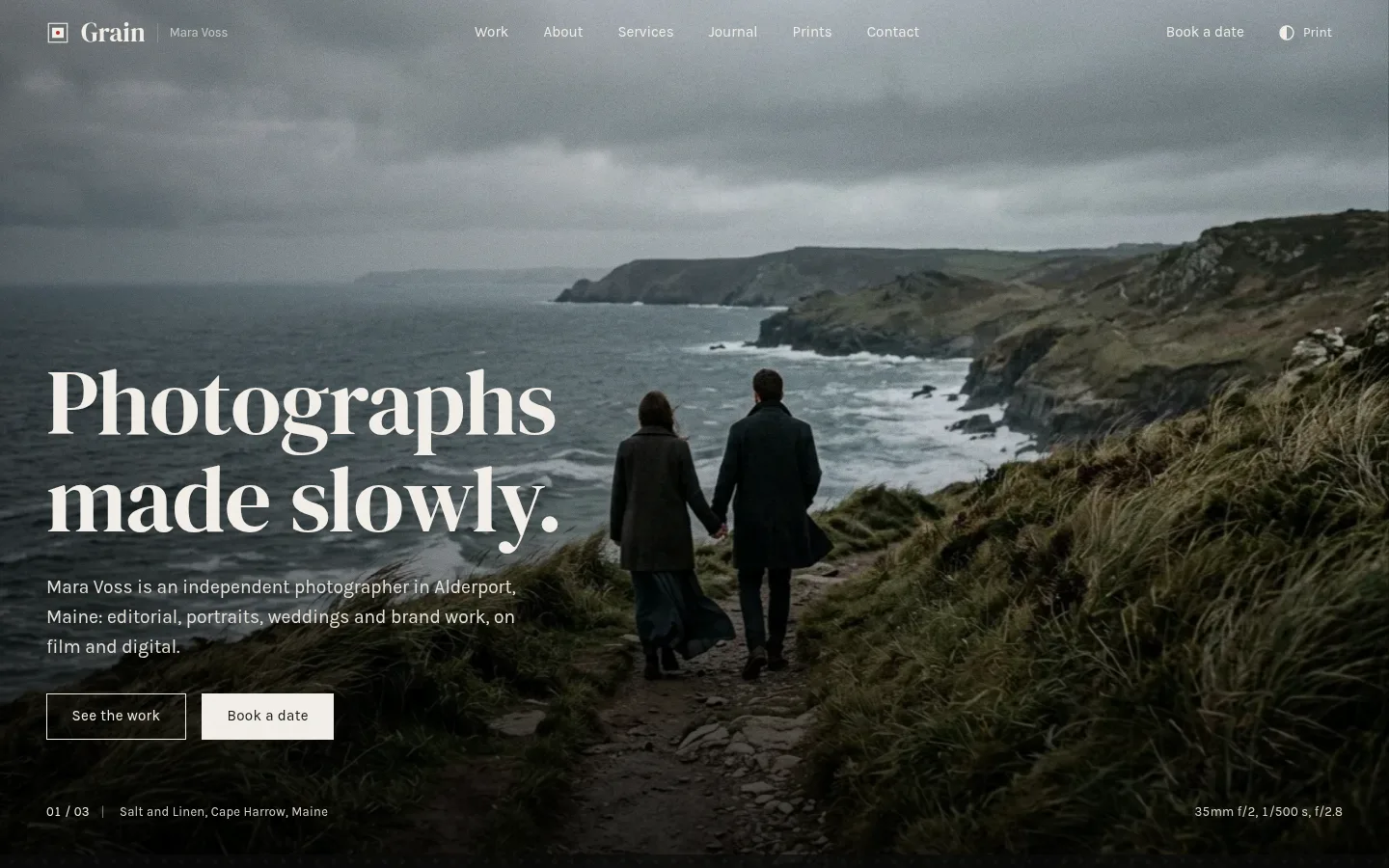
More screenshots
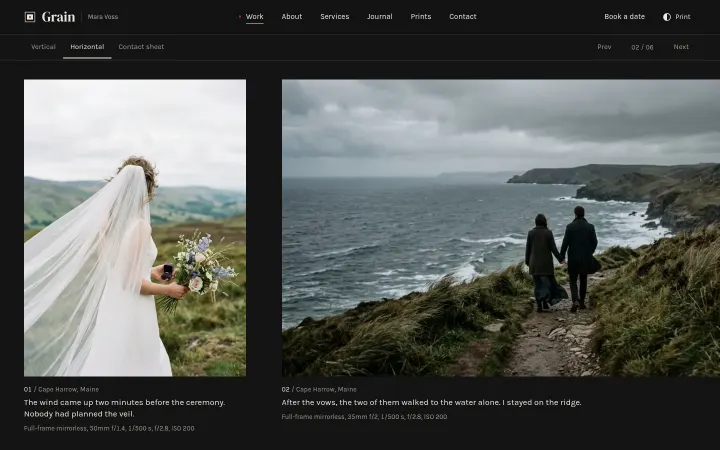
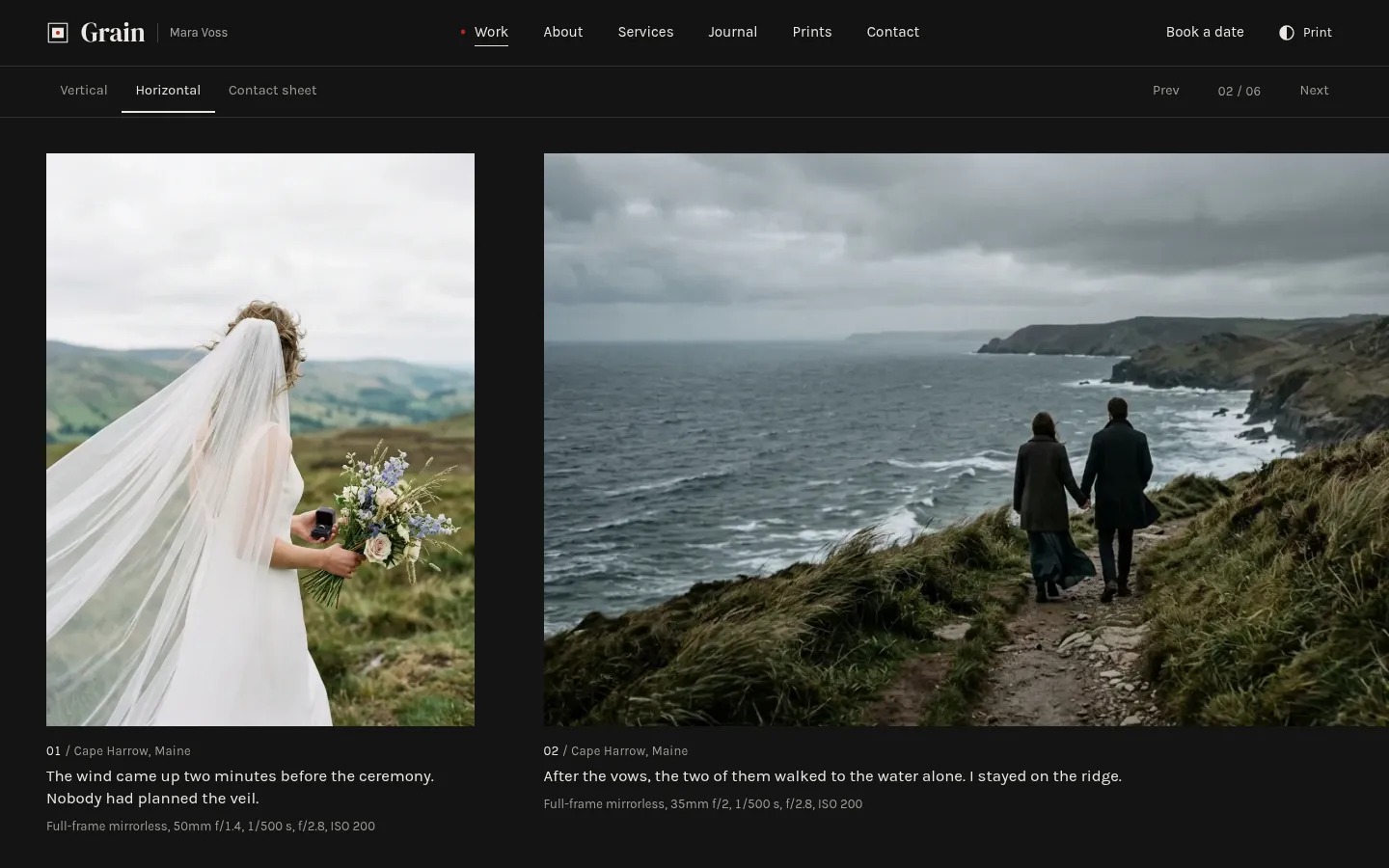
Wedding series in the horizontal viewer 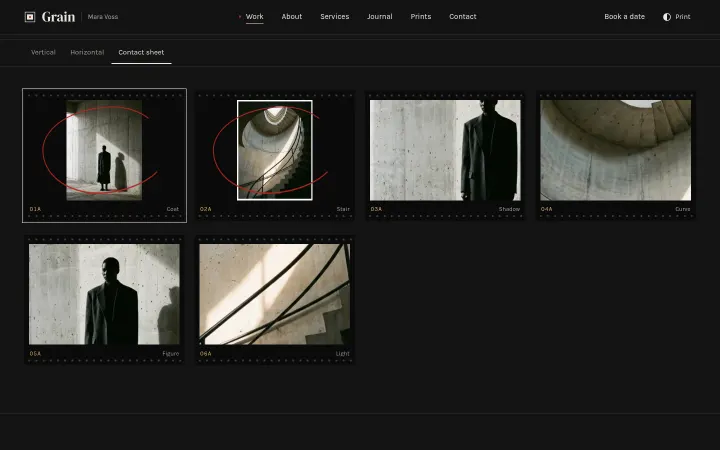
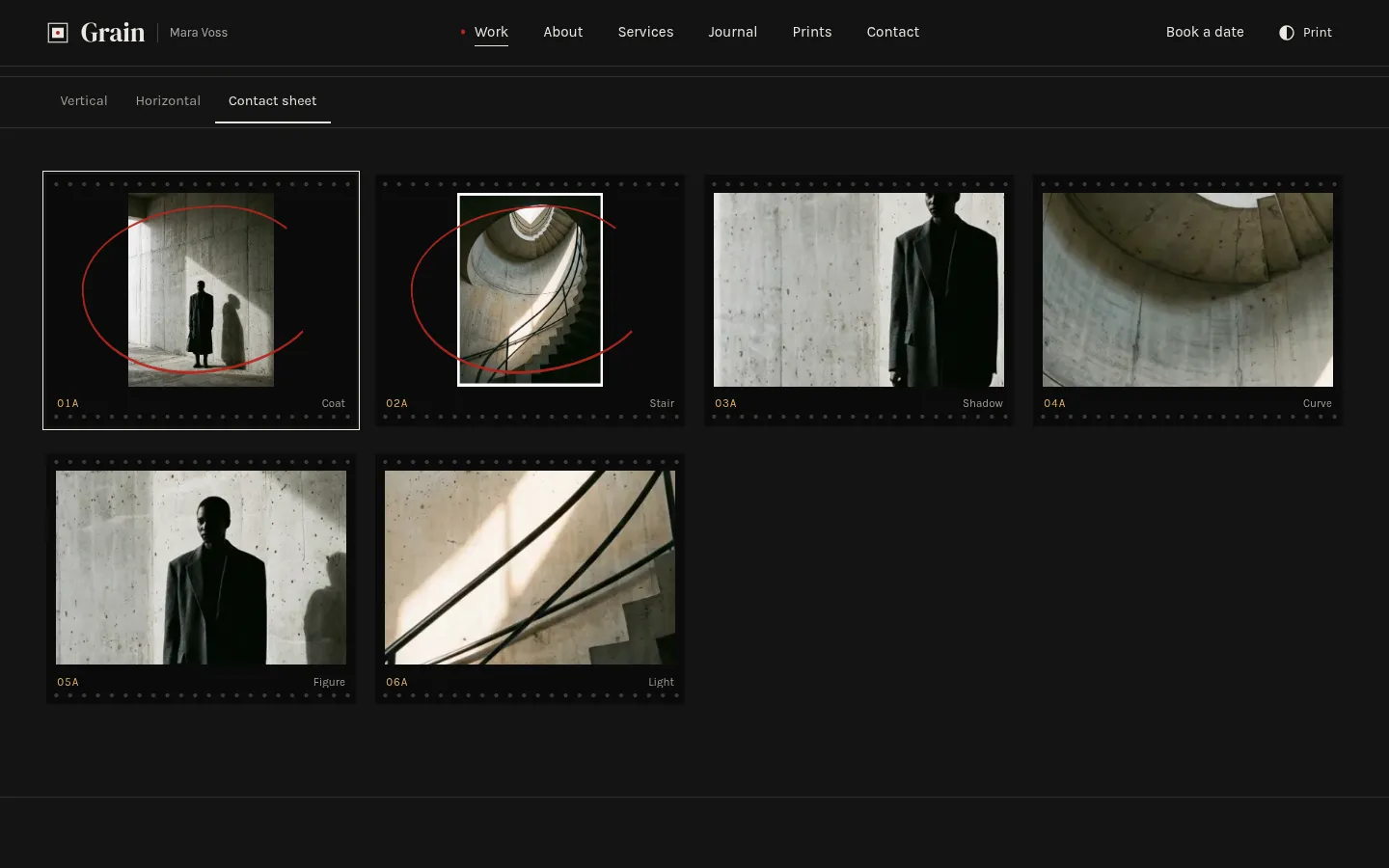
Contact sheet with grease-pencil selects 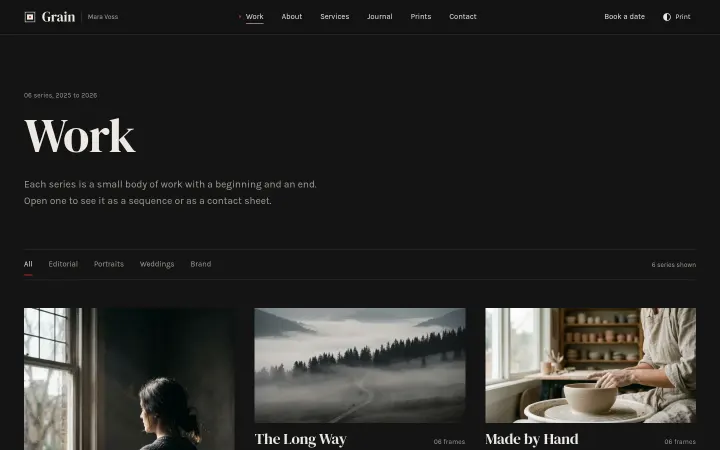
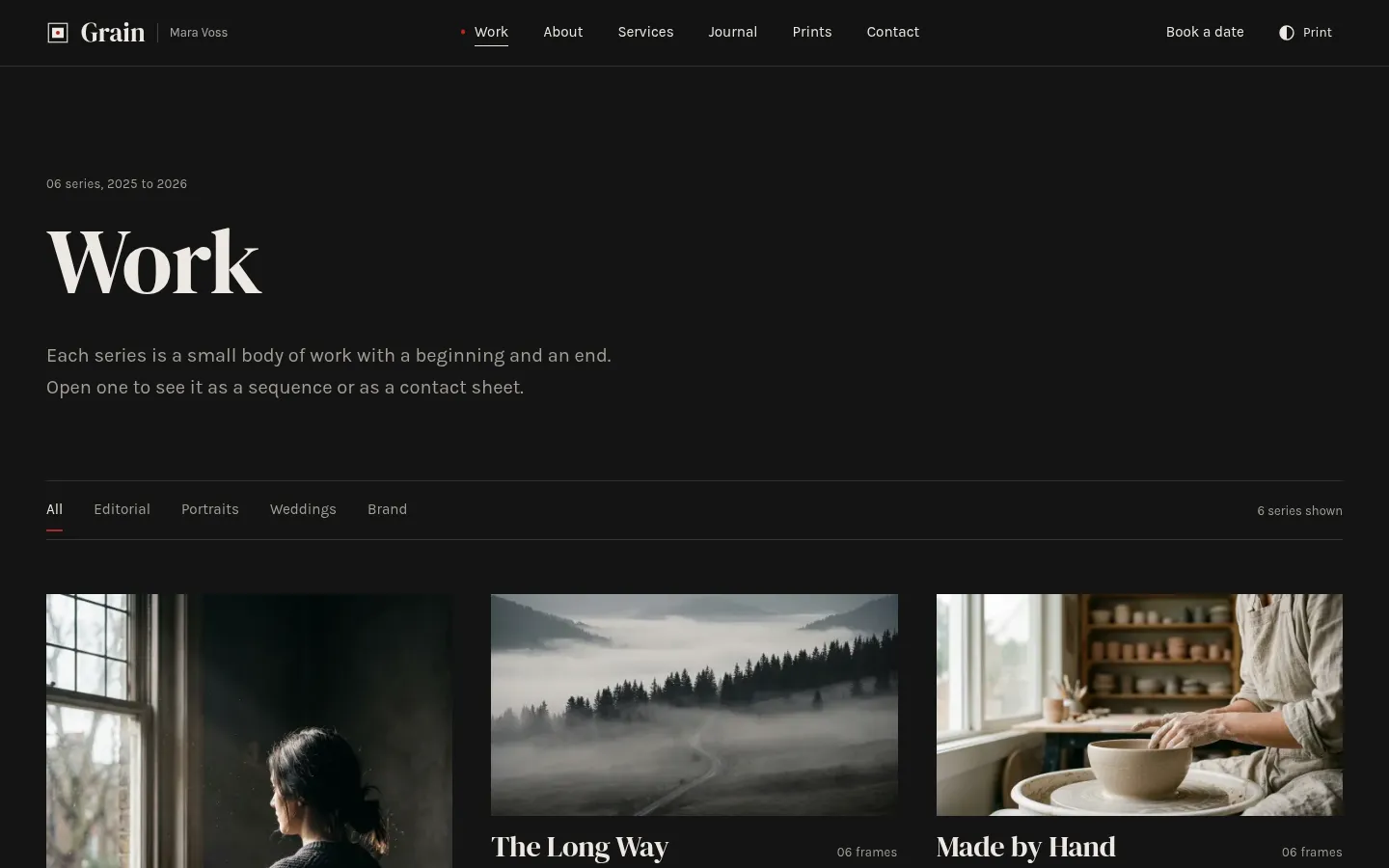
Work index with category filter 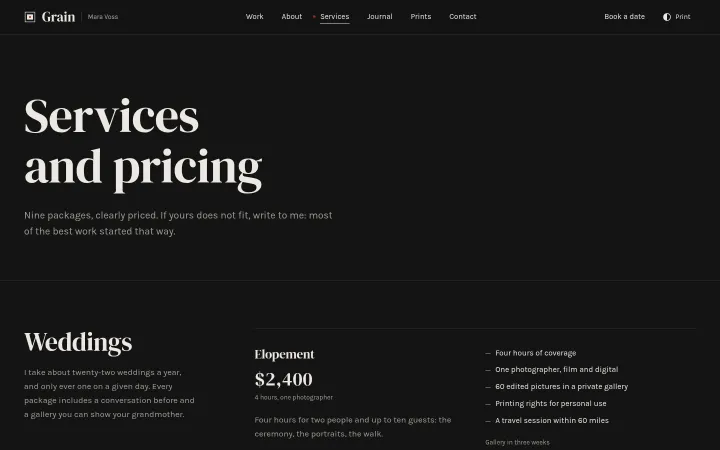
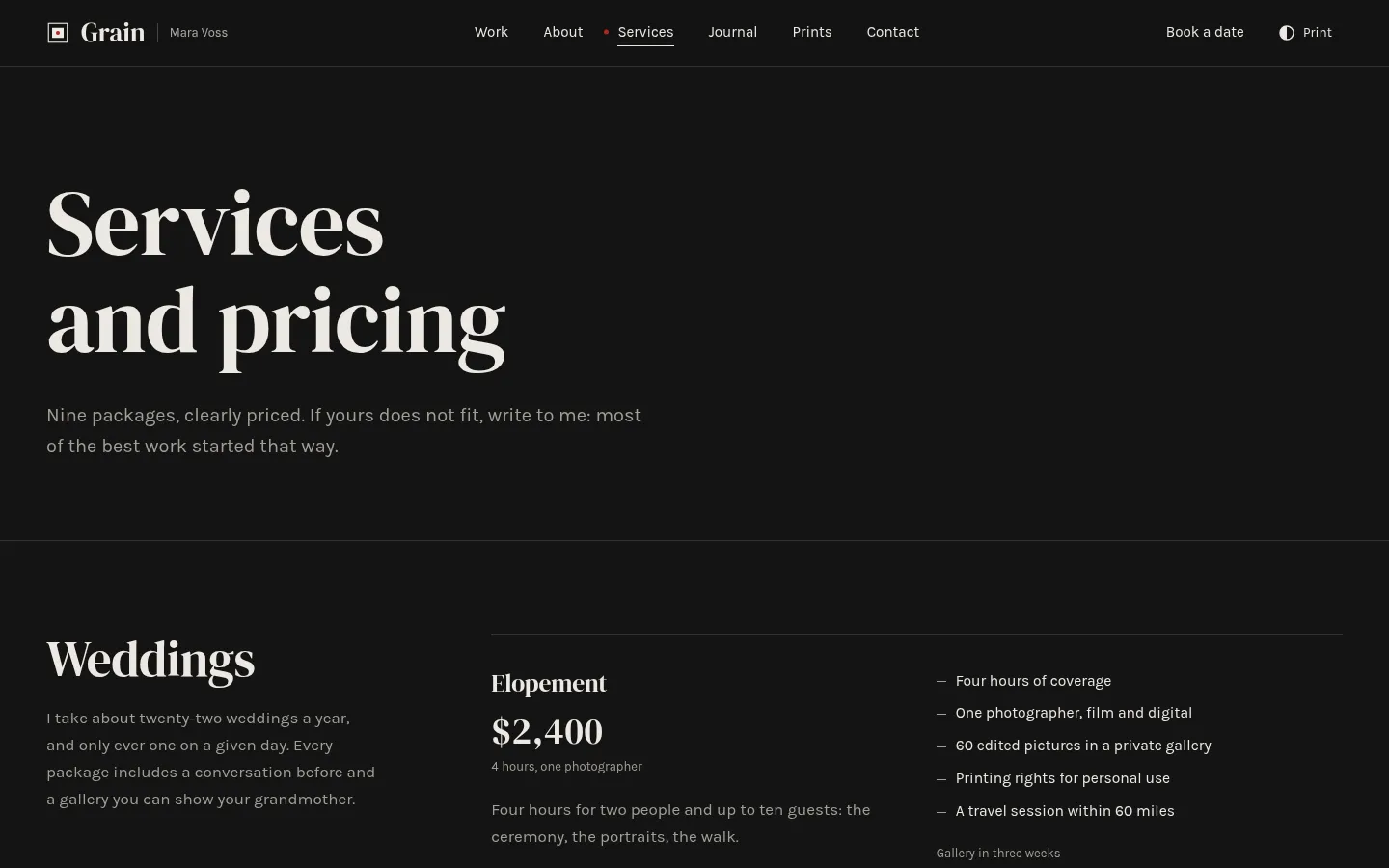
Packages for weddings, portraits and brand days
About Grain
A quiet portfolio for an independent photographer working in weddings, portraits, editorial and brand work. Every series opens in an immersive viewer: a vertical sequence, a horizontal strip or a contact sheet with film edges and grease-pencil selects, and any frame opens full screen with its caption and camera, lens, exposure and film. Work index with a category filter, nine priced packages, a booking enquiry form, journal, prints teaser and FAQ. Dark screen mode by default, light print mode on a toggle. Astro and Tailwind CSS 4.
Best for wedding, portrait and editorial photographers, small studios and the designers who build their sites.
Features
Immersive series viewer
Each series switches between a vertical sequence, a horizontal strip and a contact sheet, kept in the URL hash (#horizontal, #sheet), with keyboard stepping and swipe.
Contact sheets
Film-edge strips with frame numbers and red grease-pencil circles on the frames marked as selects.
Lightbox with metadata
Native dialog with captions and EXIF-style camera, lens, exposure and film; arrows, Home and End, I for info, F for fullscreen, swipe on touch.
Series as Markdown
One file per series with shared camera defaults, per-frame overrides and an optional crop (focal point, zoom, ratio) to reuse a picture.
Work index
Six series filtered by category (Editorial, Portraits, Weddings, Brand) with a live count.
Packages and booking
Nine packages in three groups with prices and delivery times; the booking form reads ?type= and ?package= from the Work and Services links.
Journal, prints, FAQ
Four journal posts, a static prints teaser with editions, and a grouped FAQ.
Screen and print modes
Dark screen mode by default, a light print mode on a toggle remembered per visitor; DM Serif Display with Karla.
SEO and structured data
ProfessionalService and LocalBusiness, Person, ImageGallery with ImageObject items, Service offers, FAQPage and Article JSON-LD, sitemap and Open Graph.
What's included
- Home with selected series
- Work index with category filter
- 6 series pages with the viewer
- Services and packages
- Booking enquiry
- Journal with 4 posts
- Prints
- About
- FAQ
- Contact
- Legal notice and privacy
- 404
Tech stack and fit
Built with
- Astro 5
- TypeScript
- Tailwind CSS 4
- Content collections
Who it's for
Wedding, portrait and editorial photographers, small studios and the designers who build their sites.
Tags
Grain FAQ
How do I add a series?
Add a Markdown file in src/content/series/; the file name becomes the URL. The front matter holds the category, year, cover frame, shared camera defaults and the list of frames, each with a title, alt text, caption and optional camera, lens, exposure, film, location and select flag.
Can I show the same photograph with different crops?
Yes. Add crop: { x, y, zoom, ratio } to a frame: x and y are the focal point in percent, zoom goes from 1 to 4 and ratio is the displayed width over height. Without a crop, photos are shown uncropped at their own proportions.
Does the booking form send anything?
Not in the demo: both forms validate in the browser and show a success message. The README explains how to point them at Formspree, Netlify Forms or your own endpoint by removing data-demo.
Can I sell prints with it?
The Prints page is a static teaser with editions and prices and no cart. Link its button to a Shopify buy button, a Stripe payment link or Snipcart, or keep the email enquiry.
Is there a light mode?
Yes. Grain opens in a dark screen mode and the header toggle switches to a light print mode, remembered in localStorage under grain-theme. The lightbox always stays dark.
Are the photos included?
Yes, the ten demo photographs are AI-generated placeholders that ship with the template, with the prompts in src/assets/PROMPTS.md. Replace them with your own work.
When can I buy Grain?
Grain is coming soon. The live demo is complete; the template goes on sale at $29 shortly.
Can I use Grain for a client project?
Yes. The license covers personal and commercial projects, including client work. Reselling or redistributing the template itself is not allowed.
Related templates
Close in purpose or features to Grain. Browse all 29 templates.
Dental clinic websiteComing soon
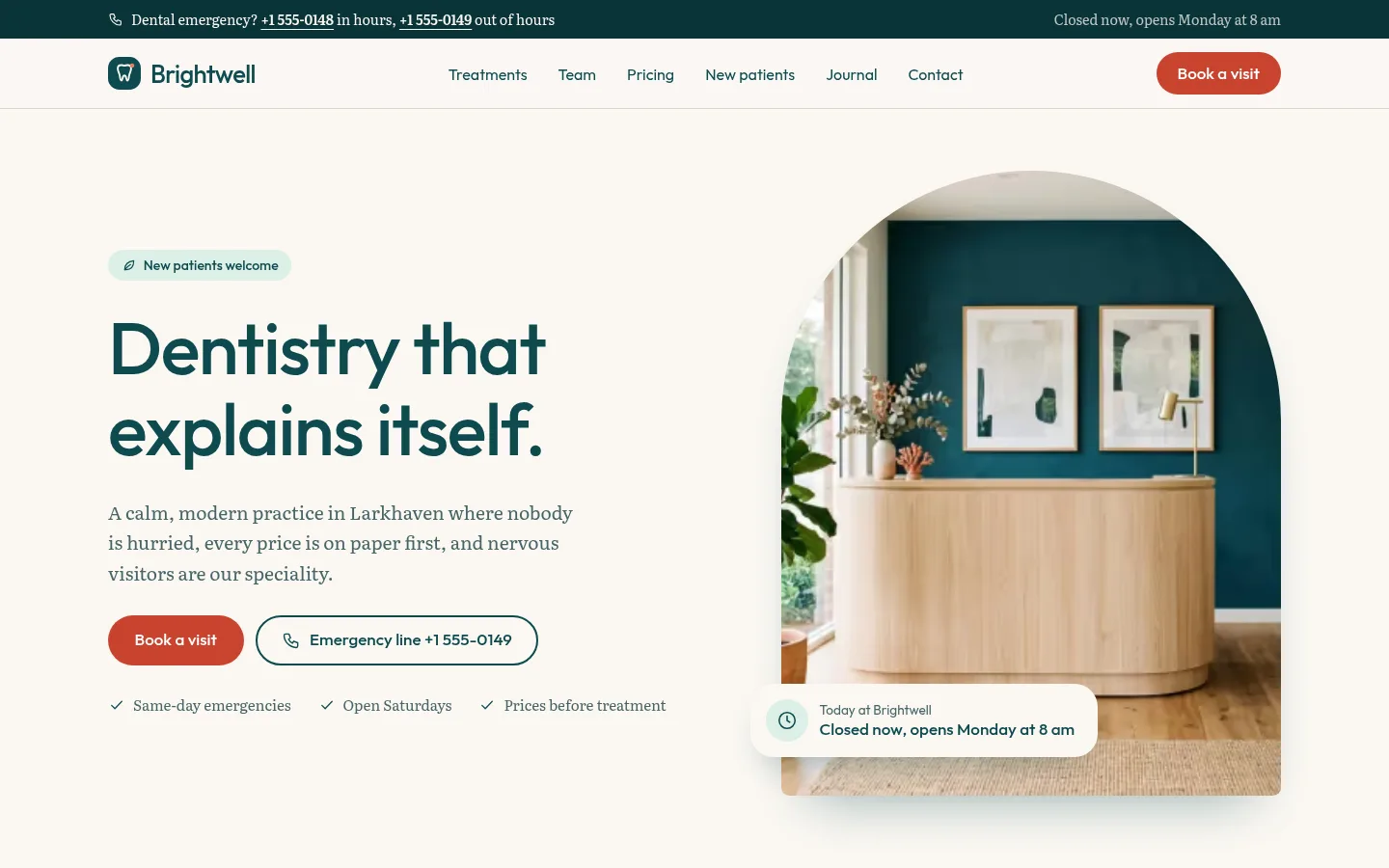
Brightwell
Calm, modern dental practice website with treatments, transparent pricing and a multi-step booking flow.
Grain is coming soon. The whole demo is already online.