
WebsiteLaw firm and professional services website
Ashford
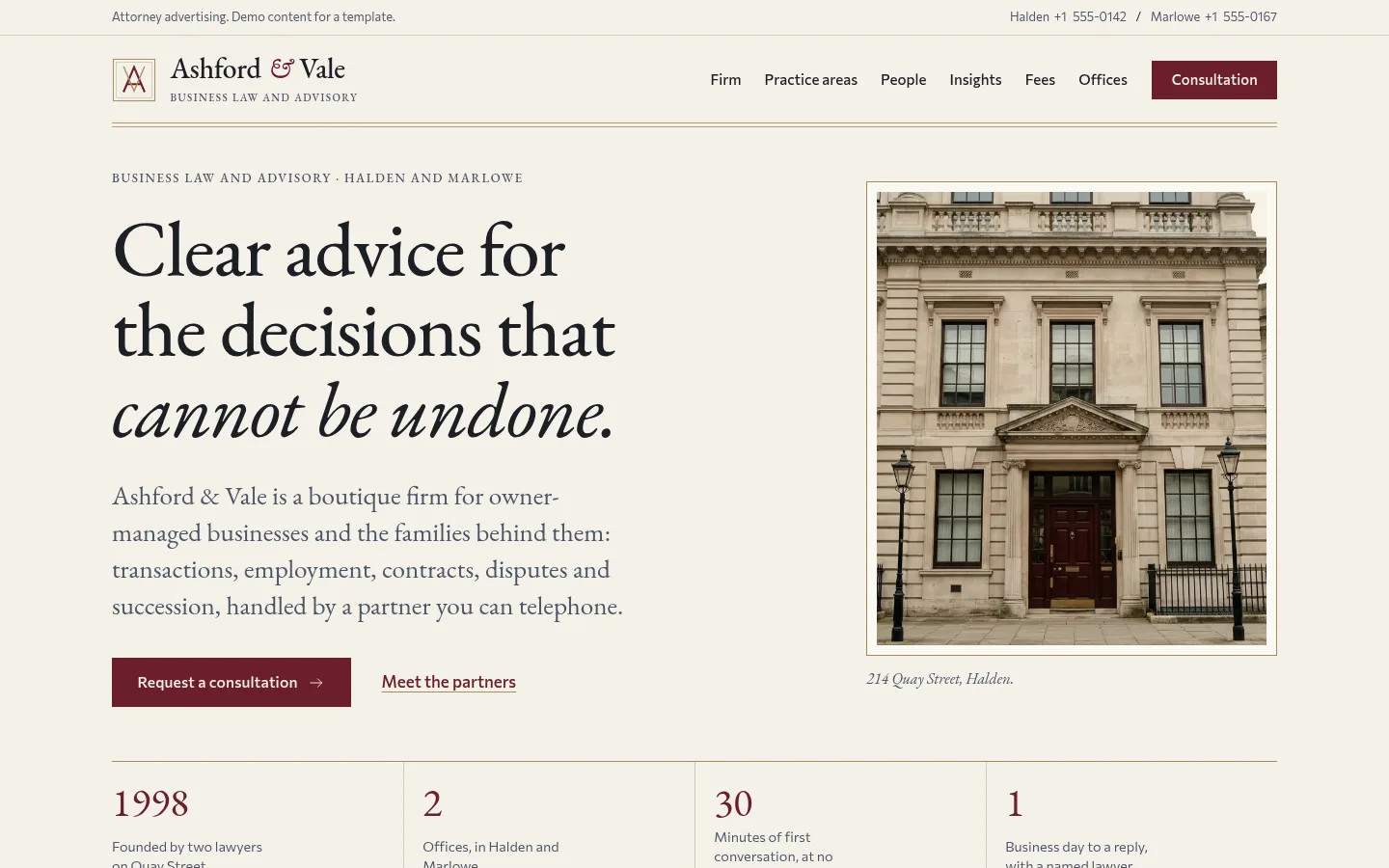
Boutique law, accounting or advisory firm website with a three-step consultation request, a filterable people directory and practice areas.
More screenshots
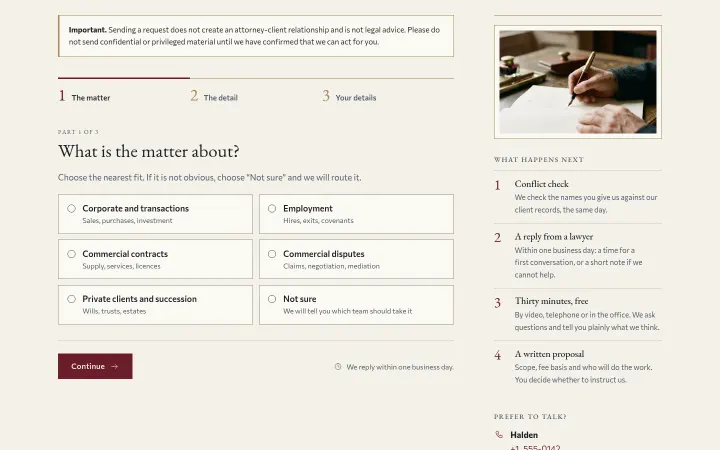
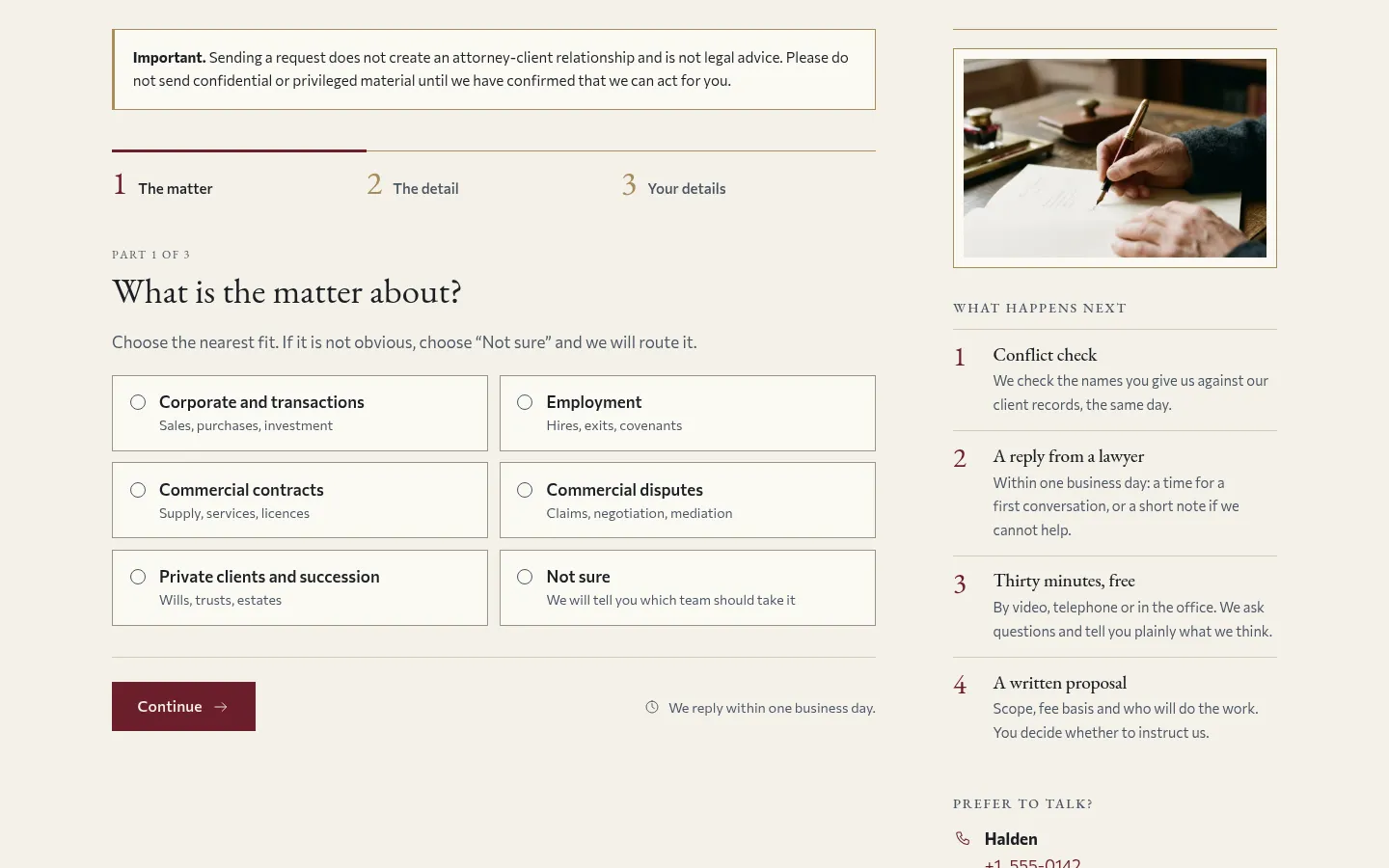
Three-step consultation request 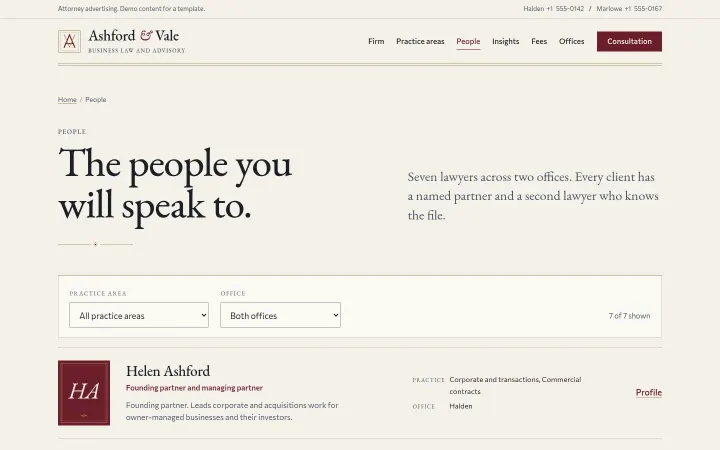
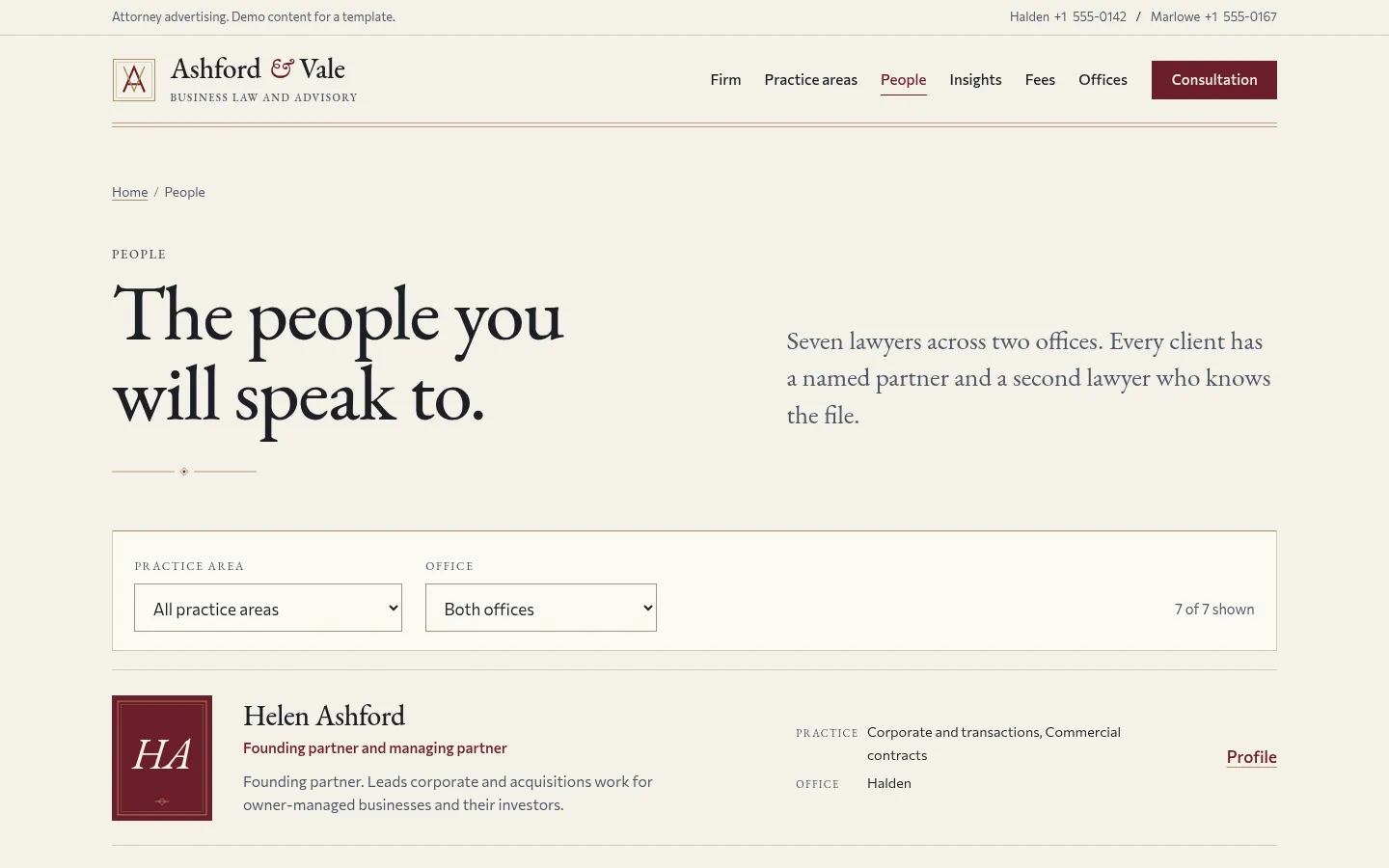
People directory filtered by practice and office 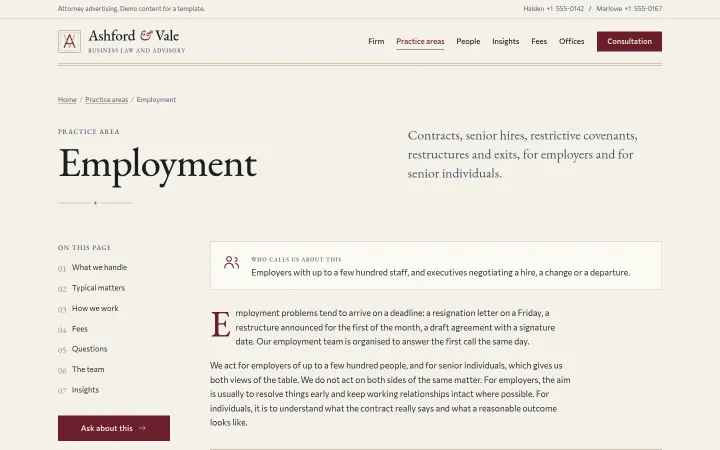
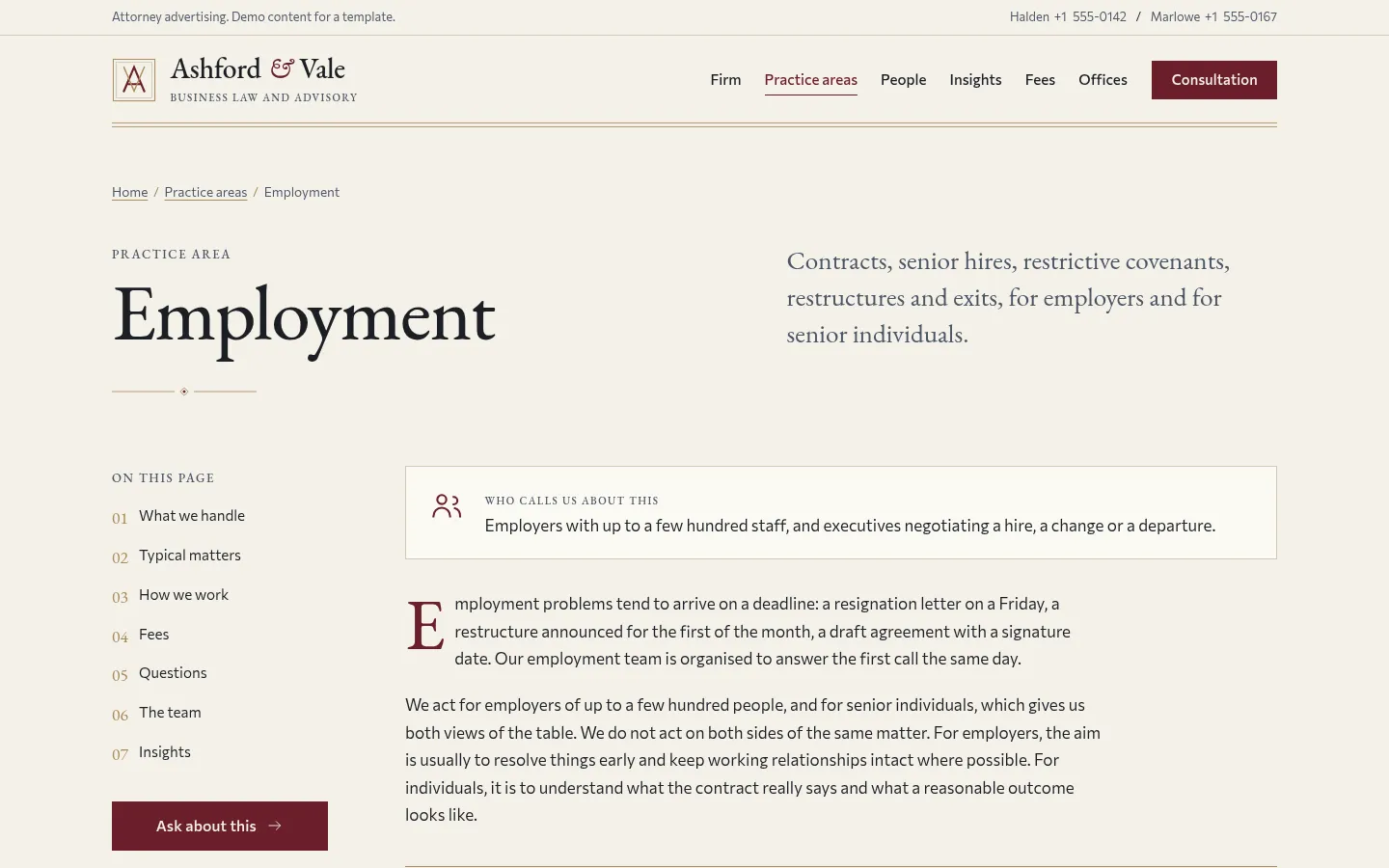
Practice area with matters, process and fees 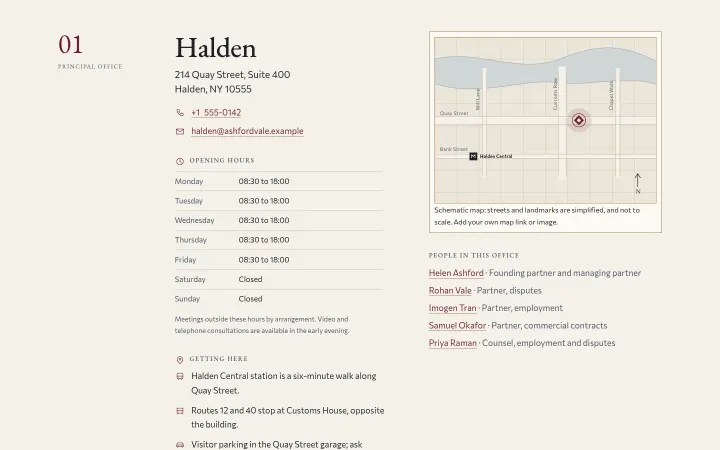
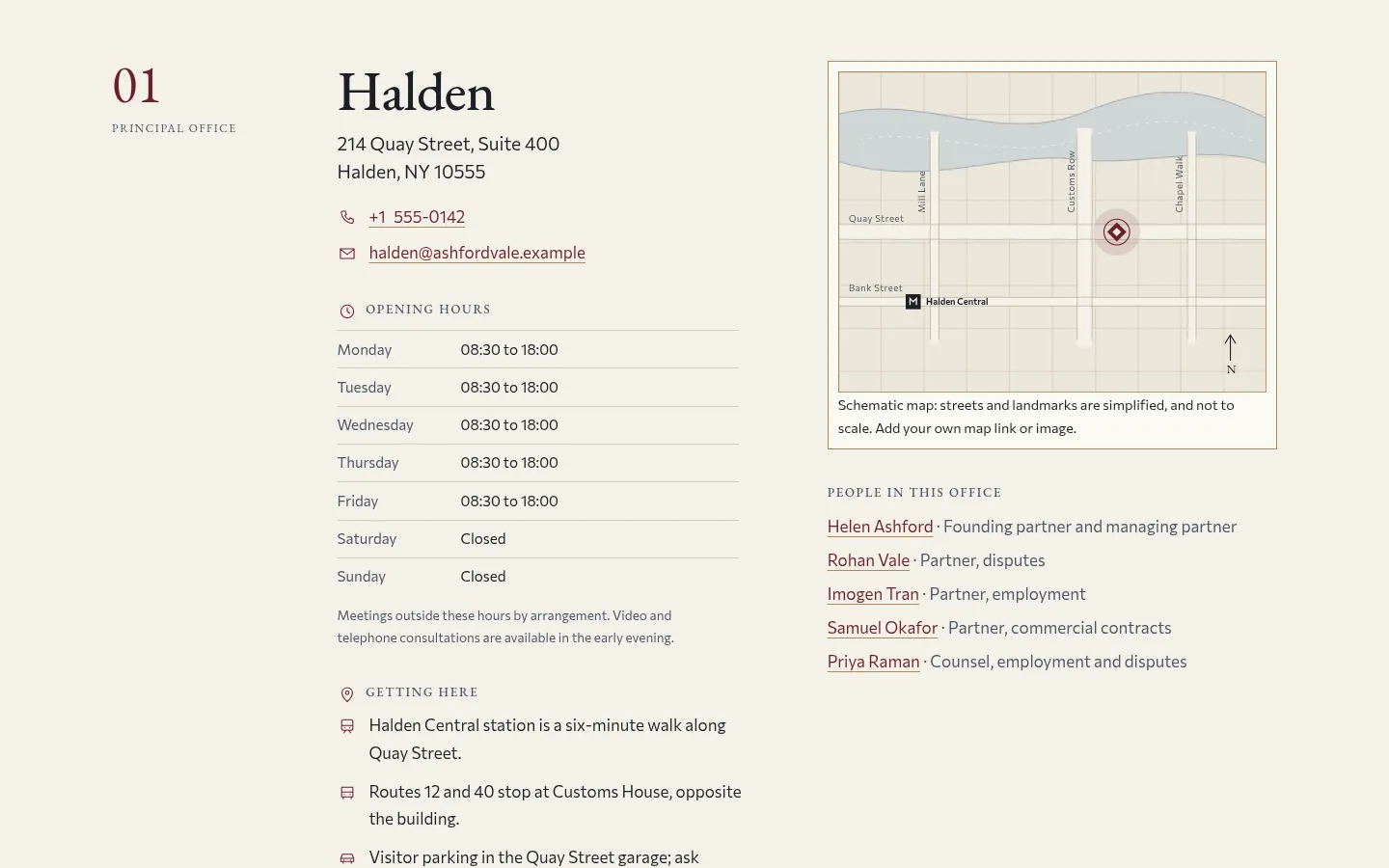
Two offices with drawn street maps
About Ashford
A sober, print-like website for a boutique business law and advisory firm, shown here as the fictional Ashford & Vale. A three-step consultation request with an error summary, a conflict-check notice and prefill from any profile or practice page, a people directory filtered by practice area and office with seven profiles, five practice areas with matters, process, fees and FAQ, five insights, fees and engagement, two offices with drawn street maps and opening hours, careers and contact. One designed light mode in EB Garamond and Commissioner. Adapts to an accounting or consulting firm through one config file. Astro and Tailwind CSS 4.
Best for law firms and solo attorneys, accounting and tax practices, consultancies and advisory firms, and the agencies that build their sites.
Features
Consultation request
Three steps (matter, detail and urgency, contact and office) with an accessible step indicator, an error summary that links to each field, a conflict-check and no-attorney-client-relationship notice and a review panel. Without JavaScript it is one long form.
Prefilled from anywhere
Profile and practice pages link to the form with the matter, office and lawyer already chosen (?matter=employment&office=halden&lawyer=imogen-tran).
People directory
Seven people filtered by practice area and office, with the count announced to screen readers, and profile pages with education, admissions, languages and matters. Monogram plates instead of portraits, so no photos are needed.
Practice areas
Five practice pages with who they are for, what the firm handles, example matters, the process, how fees work and a FAQ, all cross-linked to the people and insights that share the practice.
Fees and offices
Fixed fee, hourly with an estimate and retainer explained without publishing rates, and two offices with schematic SVG street maps (no map embed, no API key), hours and directions.
Adapts to other firms
Set schemaType to AccountingService or ProfessionalService and rename the labels in src/config/site.ts; the README walks through turning it into an accounting or consulting site.
Editorial design
Column grid, numbered sections, hairline brass rules, oldstyle figures and real small caps in EB Garamond, Commissioner for text, oxblood accent, AA contrast and almost no JavaScript.
SEO built in
LegalService with a branch and opening hours per office, Person, Service, Article, FAQPage and BreadcrumbList structured data, Open Graph and a sitemap.
What's included
- Home
- The firm
- Practice areas and 5 practice pages
- People directory and 7 profiles
- Insights and 5 articles
- Fees and engagement
- Offices
- Consultation request
- Careers
- Contact
- Legal notice, privacy and disclaimer
- 404
Tech stack and fit
Built with
- Astro 5
- TypeScript
- Tailwind CSS 4
- Content collections
Who it's for
Law firms and solo attorneys, accounting and tax practices, consultancies and advisory firms, and the agencies that build their sites.
Tags
Ashford FAQ
Does the consultation form send requests?
Not in the demo: with an empty formEndpoint in src/config/site.ts it shows the confirmation and sends nothing. Set formEndpoint to Formspree, Netlify Forms, Basin or your own URL and the script posts the form data; without JavaScript it posts normally.
Can I use Ashford for an accounting or consulting firm?
Yes. Change schemaType to AccountingService or ProfessionalService, rename the labels (what you call your people, practices and first meeting) in src/config/site.ts, and rename the practice slugs in src/content.config.ts. The README has the full checklist.
How do I add a practice area or a person?
Add a Markdown file to src/content/practices/ or src/content/people/. Front matter is validated at build time, and a person's practices and offices create the cross-links automatically. A new practice slug also goes into practiceSlugs and iconNames in src/content.config.ts.
Do I need photos of the lawyers?
No. People are shown with monogram plates in four tones. The six photographs of architecture and interiors are AI-generated, with prompts in src/assets/PROMPTS.md; swap Monogram for Photo if your people want portraits.
Are client testimonials included?
Three fictional client comments are demo content in src/content/voices.json. Many bar associations and regulators restrict testimonials, so check your rules and remove the section from the home page if needed. There are no awards, rankings or publication logos.
Is there a dark mode?
No. Ashford ships one designed light mode, closer to a printed letterhead; colours are tokens in the :root block of src/styles/global.css.
How much does Ashford cost, and are updates included?
$29 USD, a one-time purchase on Gumroad with instant download. There is no subscription and every future update of Ashford is free.
Can I use Ashford for a client project?
Yes. The license covers personal and commercial projects, including client work. Reselling or redistributing the template itself is not allowed.
Related templates
Close in purpose or features to Ashford. Browse all 31 templates.
Dental clinic website$29
Brightwell
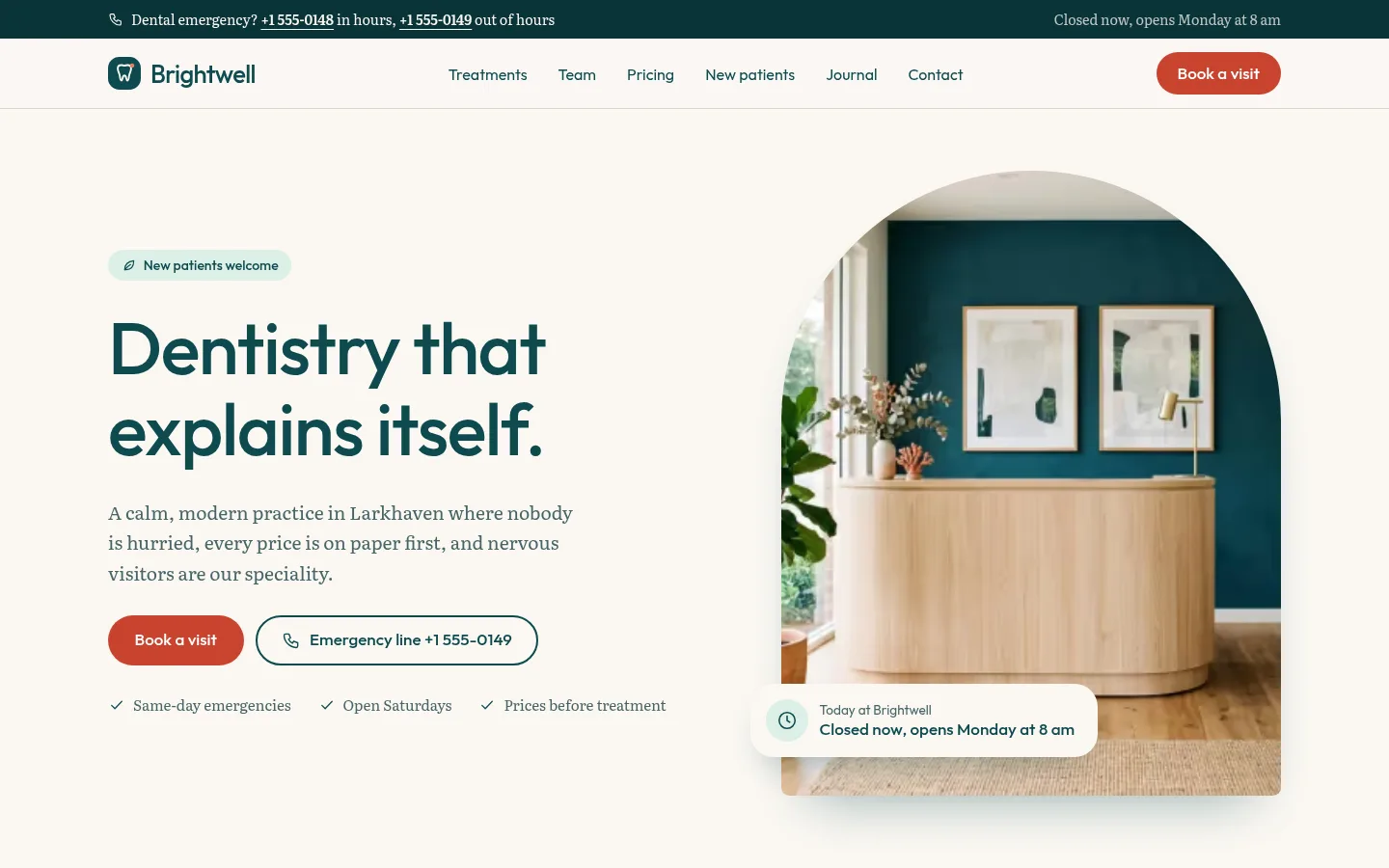
Calm, modern dental practice website with treatments, transparent pricing and a multi-step booking flow.
Ashford, $29 once. Click through the whole demo before you decide.